42 4342 43
Using the Delete Button
In Playback mode, press Down/Delete/Self-timer button to
delete photos and movies.
To delete pictures or videos:
1. Press
button to go to the Playback Mode.
2. Select a picture or video clip you want to delete with the
Left/Right button.
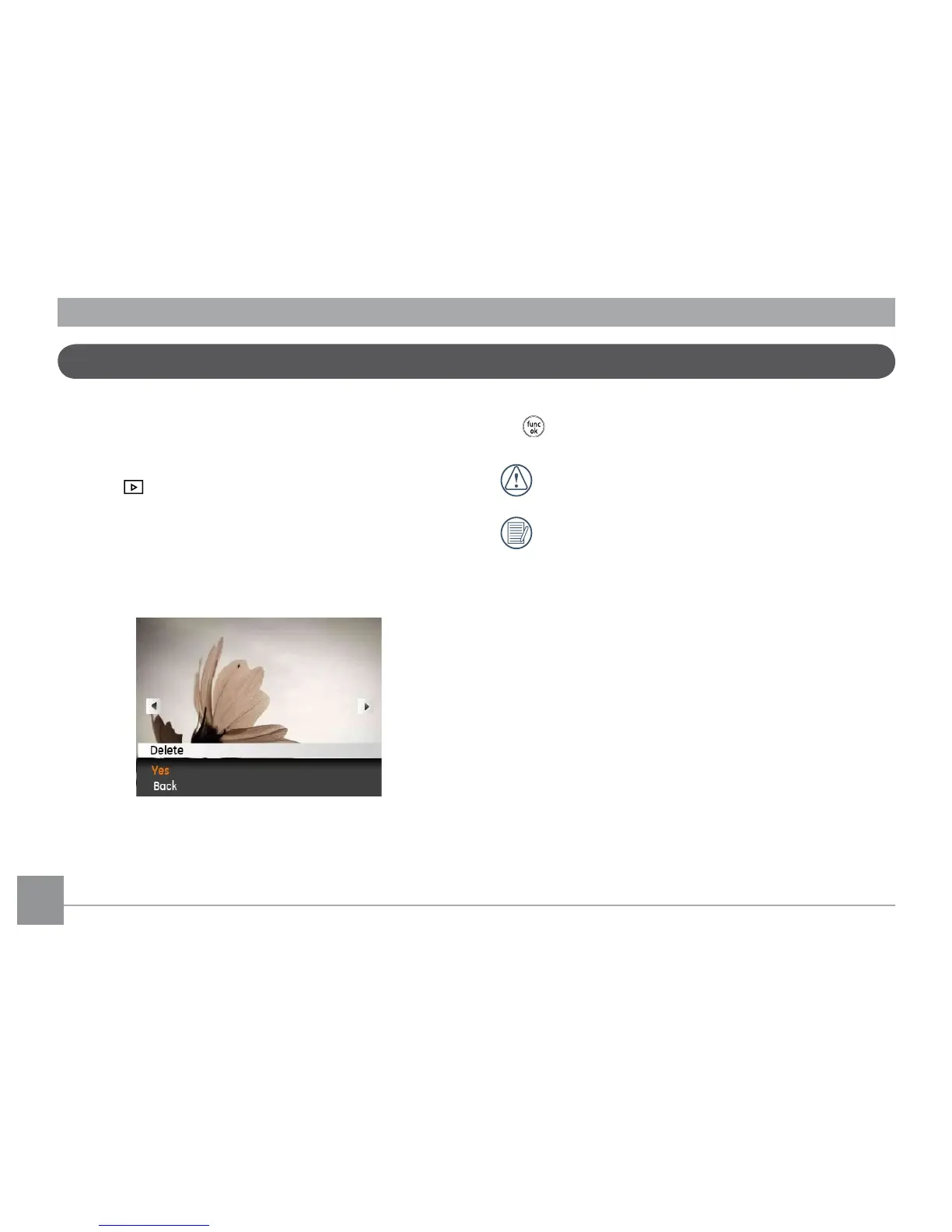
3. Press the Down/Delete button and the delete screen
appears.
4. Select Yes or Cancel with Up/Down button and press the
button for conrmation.
Erased photos/video clips cannot be recovered.
Please refer to page 52 for instructions on the Delete
Menu options.



 To Next Page