38 3938 39
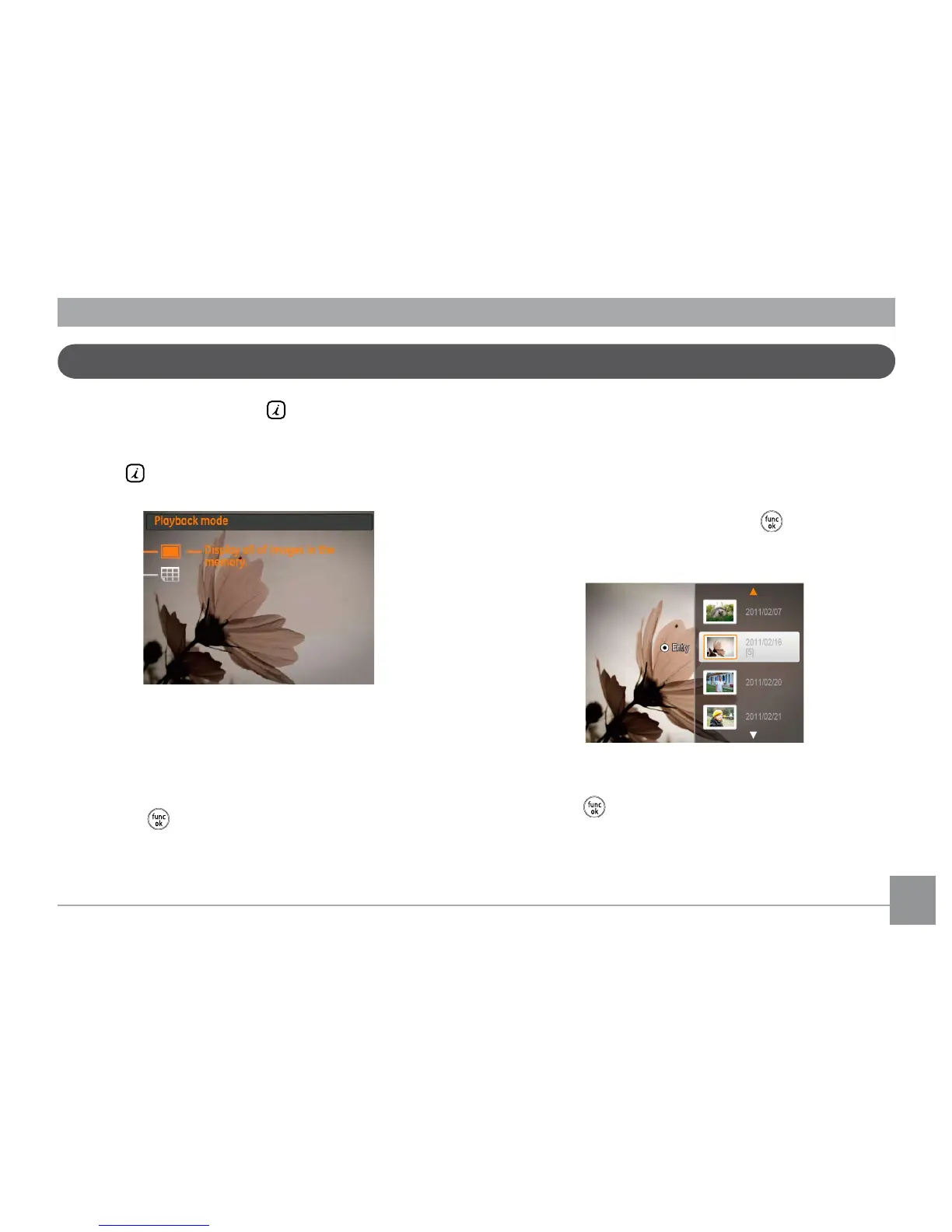
i button playback function
In the playback mode, press the button for full screen
playback or date folder selection.
1. Press
key to enter function menu.
2. Press Up/Down button to select from the following two
functions:
•Full Screen Playback
•Date Folder View
3. Press the button to enter the corresponding interfaces.
Full Screen Playback
After entering the Full Screen Playback menu, press the Left/
Right button to display the next photo.
Date Folder View
4. Select the Date Folder View, press the button to enter
the following screen:
5. Press the Up/Down to select Date Folder.
6. Press the
button to enter the Date Folder, press the
Left/Right button to select the photos in the date folder.



 To Next Page