18 1919
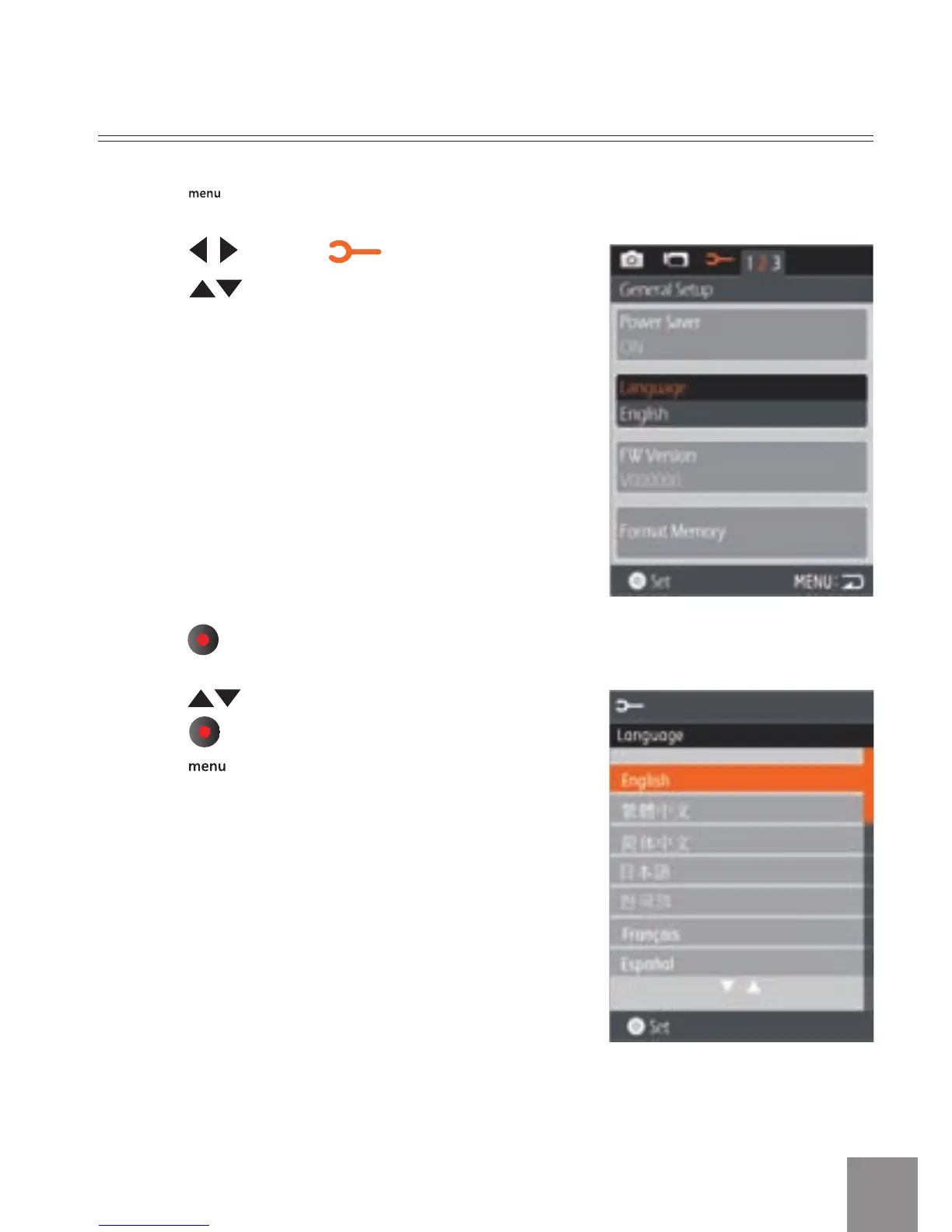
Set Display Language
1. Press button to enter the setting menu.
2. Press
to select menu;
Press
to select Language option.
3. Press
button to enter the setting interface.
4. Press
to select language of choice. Then
press
button to return to the menu; or
press
button to return to the shooting
screen.



 To Next Page