40
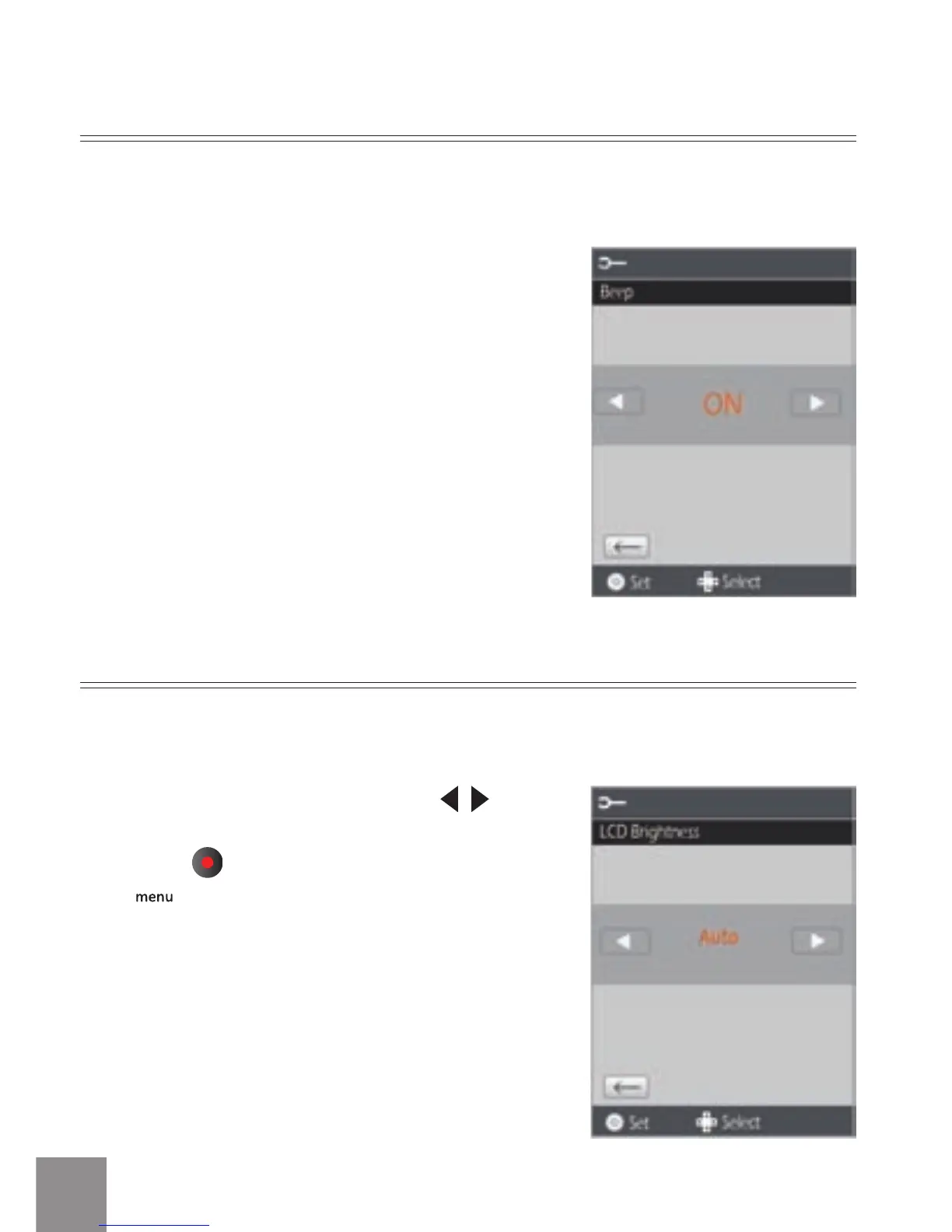
Beep Setup
There are two options in Beep Setup:
• ON
• OFF
Use Beep Setup to adjust the volume of beep when buttons are pressed.
LCD Brightness
In the LCD Brightness screen, press
button to select auto or dierent brightness
ratio, press
button to save the menu option.
Press
button to return to the Shooting
screen.
Use LCD Brightness to adjust the brightness of your screen.



 To Next Page