5050 51
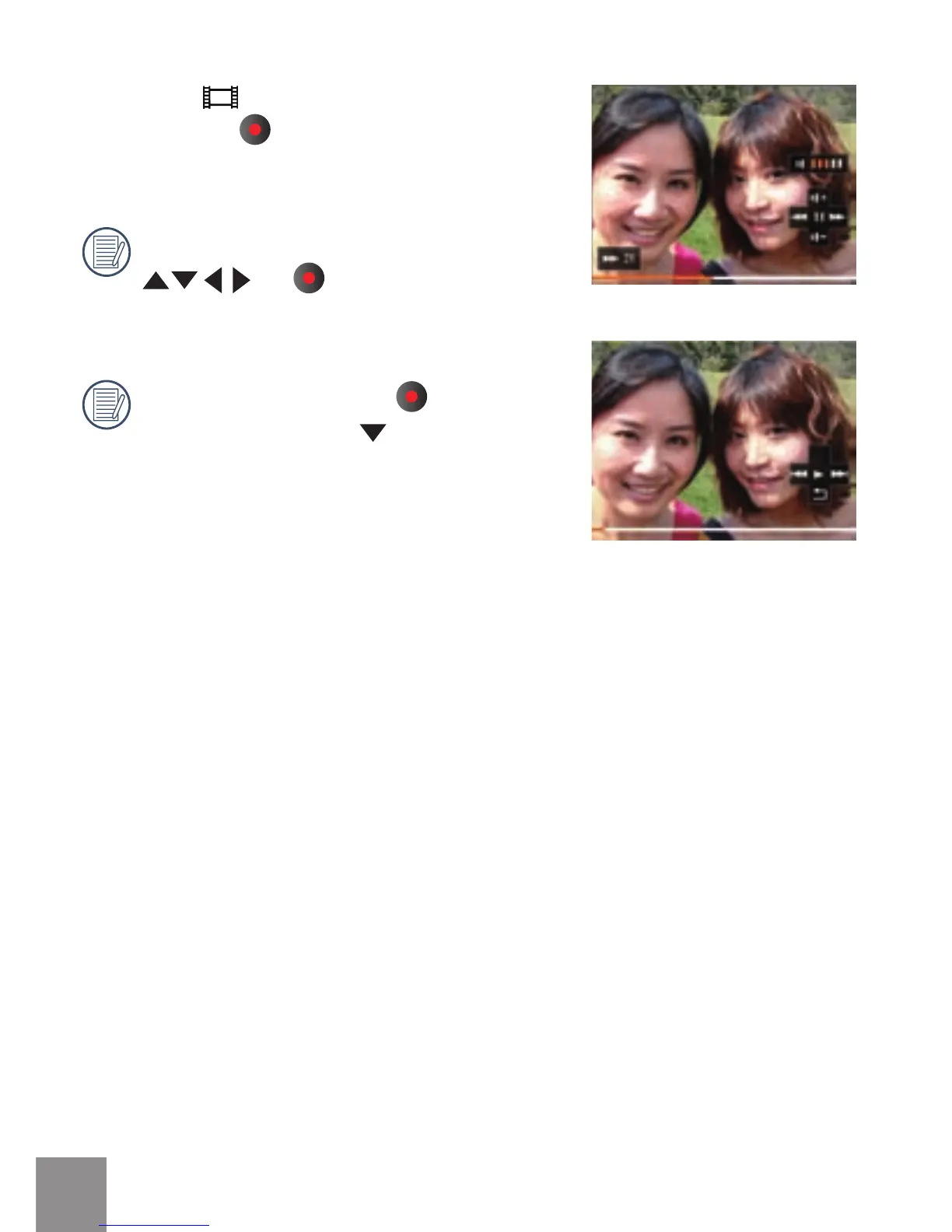
When video ( ) le appears on the Playback
screen, pressing
button will start/stop
playing video.
When playing video, the functions of
and are the same as playing
video in the video camera (refer to P27).
When playing video, press
button to
pause rst, then press
button to return
to the Single Playback screen.



 To Next Page