2222 23
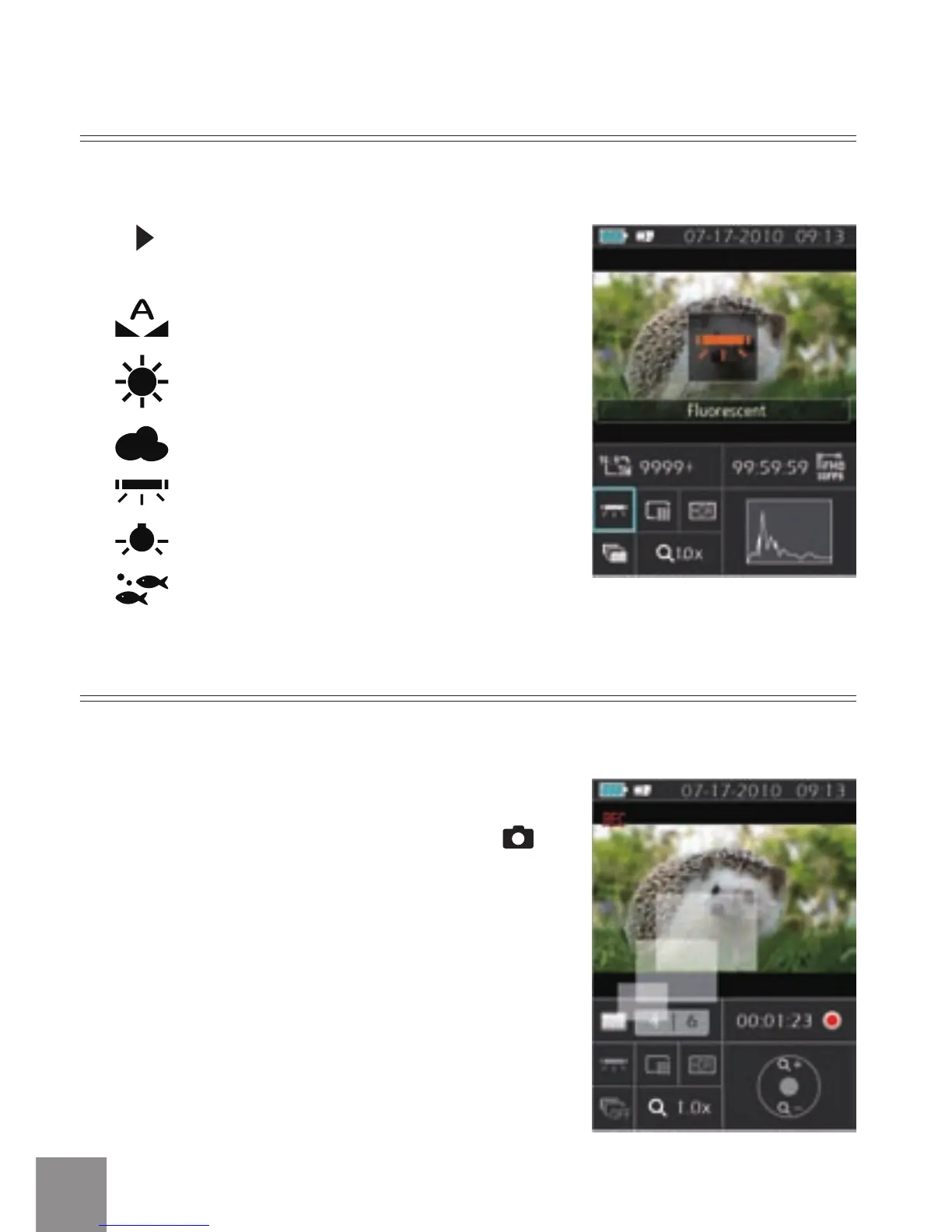
Press button to scroll through the White
Balance options, available options include:
White Balance: Auto
White Balance: Daylight
White Balance: Cloudy
White Balance: Fluorescent
White Balance: Incandescent
White Balance: Underwater
White Balance
With White Balance, users can adjust the color temperature under dierent light
sources to ensure correct color.
During the process of recording video, press
button to take photos.
Shooting While Recording
You can take photos while recording video.



 To Next Page