2020 21
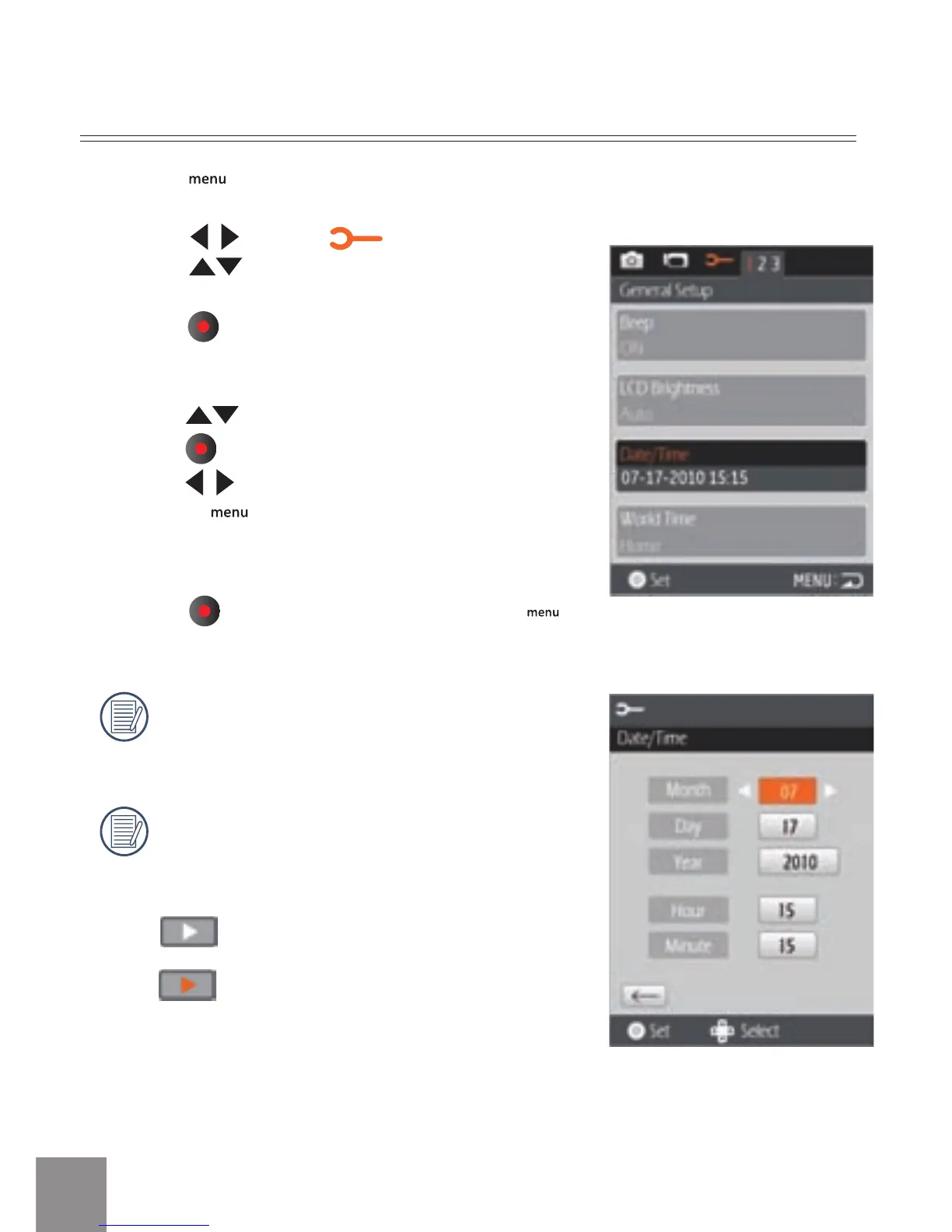
1. Press button.
2. Press
to select menu;
Press
to select Date / Time option.
3. Press
button to enter the Set Date/Time
program.
4. P
ress to select function option or select ,
press
button to return to the menu;
Press
to select the value;
Or press
button to return to the shooting
screen.
5. Pr
ess
button to store the value, press
button to return to the shooting screen.
Date format is: M-D-Y;
Time format is: 24 hour format
When selecting the option, the screen will
display the icons with the following Two
colors:
White: Can’t be selected
Orange: Current selection
Set Date and Time



 To Next Page