44 4545
Delete
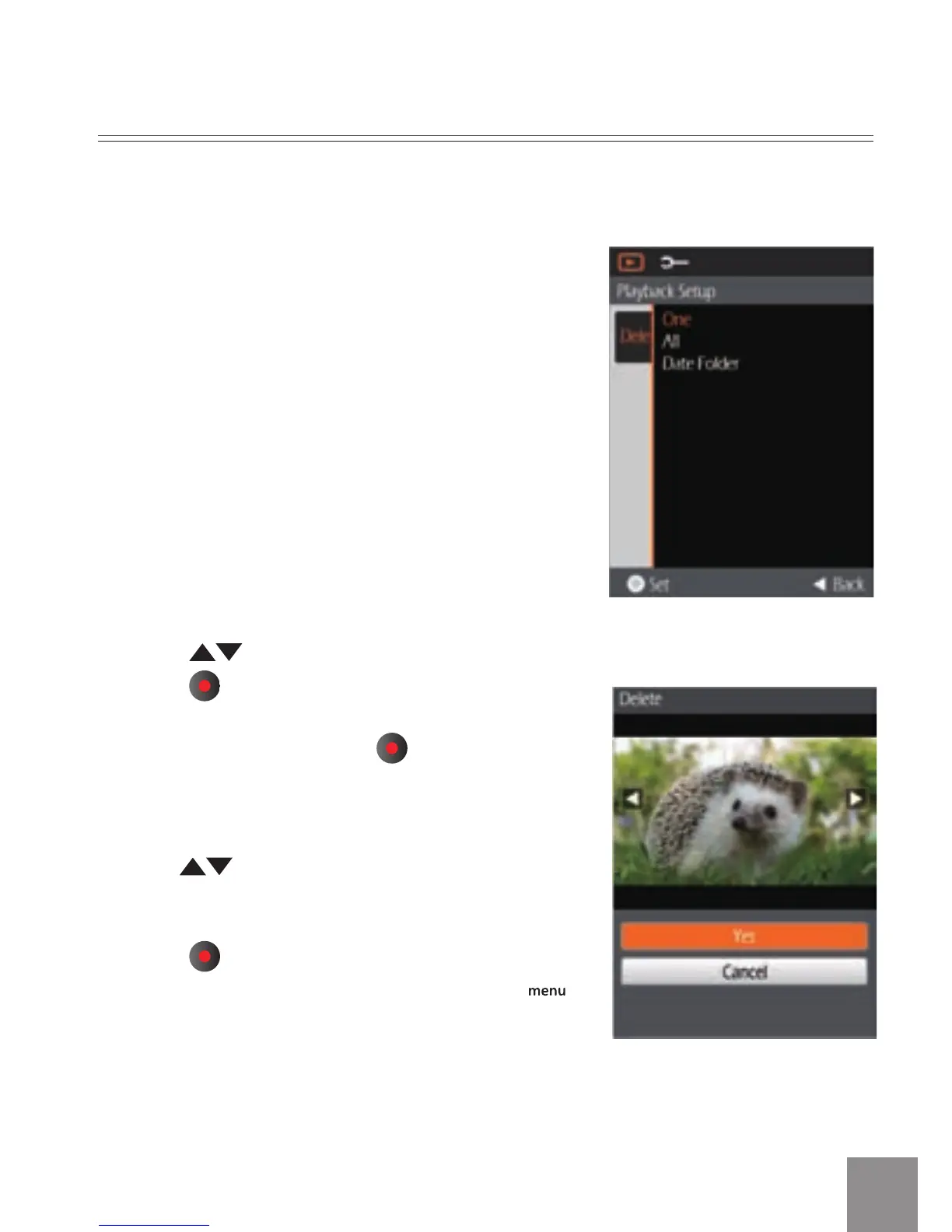
The Delete has three options:
• One
• All
• Date Folder
Delete One:
1.
Pr
ess
button to select Delete option,
press
button to enter the setup interface.
2. Select One options, press
button to save
the setting value and enter function selection
interface.
3.
Pres button to select Yes or Cancel to
return to the menu.
4. Press
button to save the menu option and
return to the Playback Setup menu, press
button to return to the Shooting screen.
Using this function will delete the photos/videos stored in the internal memory or
storage card.



 To Next Page