48 49
CONNECTION
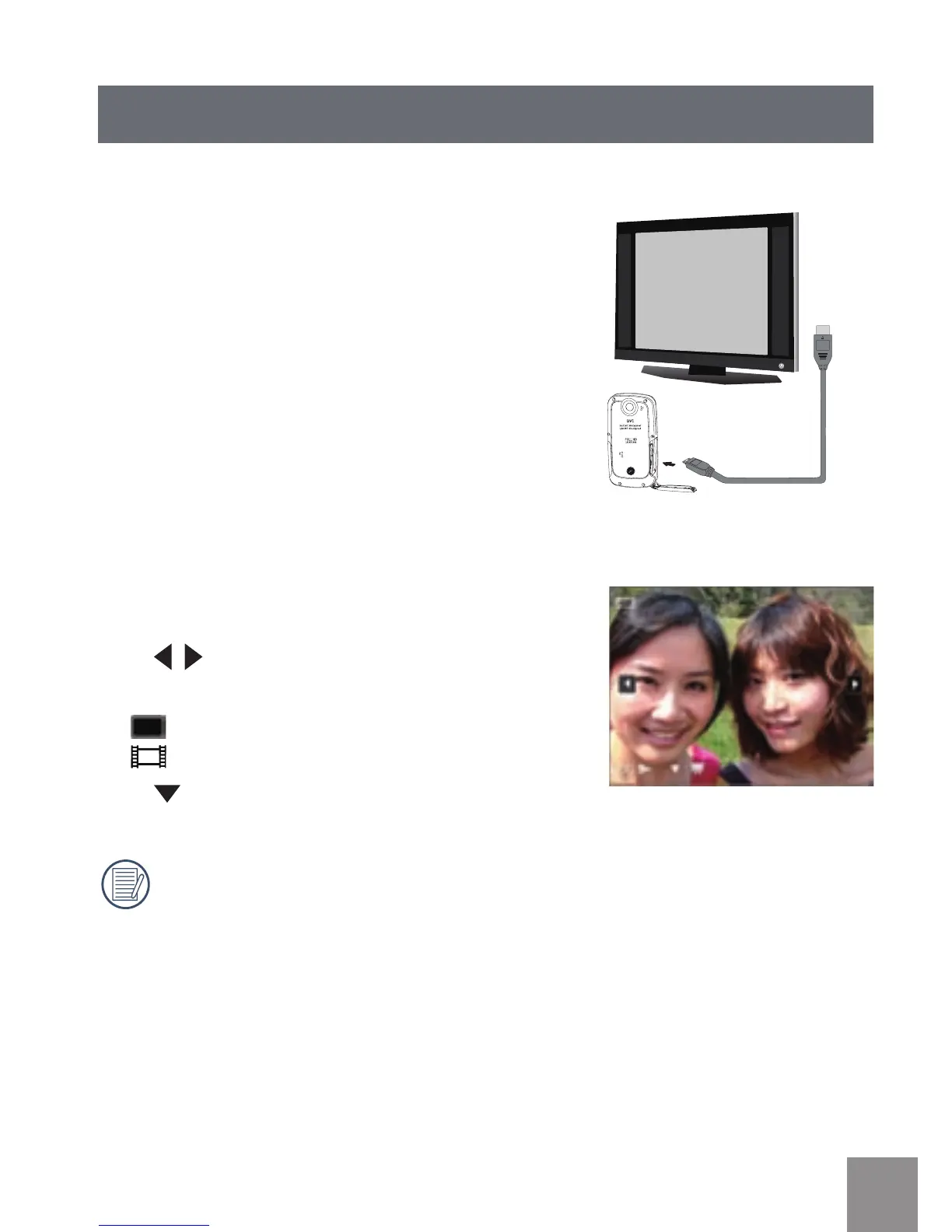
Connecting to TV Output with HDMI
Photos and videos can be viewed on a TV using
the HDMI interface. By connecting to your TV
with an HDMI cable (sold separately) the camera
will automatically enter the Playback Screen. If
the connection is unsuccessful an error message
will display.
If 1080i is supported, the images will display on
the TV when connection is successful. If 1080i is
not supported, the highest resolution supported
by the TV will be selected automatically. The
video camera will turn o automatically after
pulling HDMI cable out.
Enter the Playback screen:
Press
button to select the previous/next
photo/video:
•
:
Photo
•
:
Video
Press
button to start /stop slide playing.
When the video camera is connected with
TV successfully, the playback screen will
display on the TV.



 To Next Page