12 13
Optional SD/SDHC cards are not included. The use
of 64 MB to 32 GB memory cards from recognized
manufacturers such as SanDisk, Panasonic and Toshiba
are recommended for reliable data storage.
To remove the SD/SDHC card, open the battery
compartment and gently push the card to release it.
Pull the card out carefully.
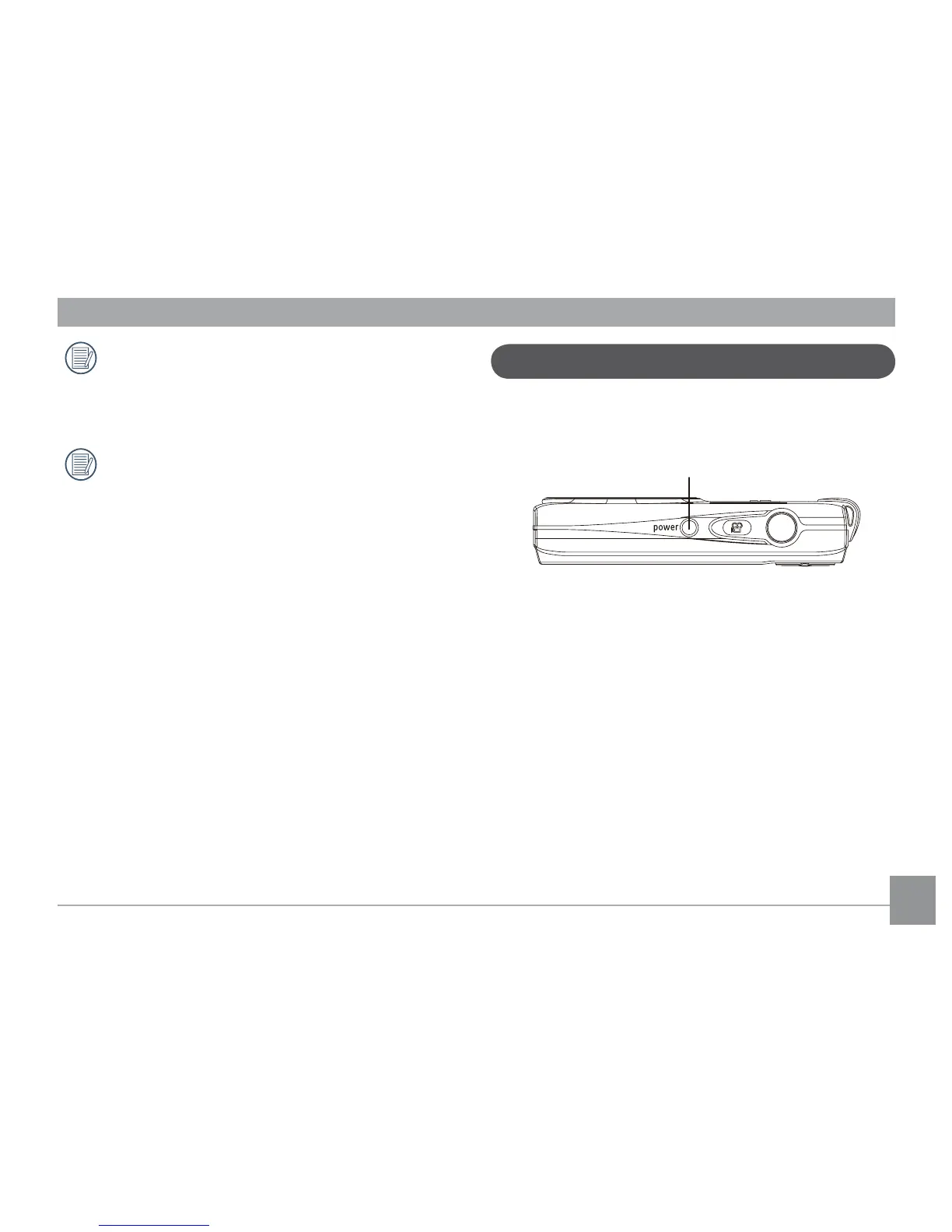
Turning On and O
Press the Power button to turn the camera on. To turn o the
camera, press the Power button again.
Power Button
When the camera is turned on, it will default to the the
shooting mode last used. You can use the Mode button on the
back to change modes. When using the camera for the rst-
time, the language setup page will appear.





 To Next Page