54 55
Display Setup
Mode:
Press the button in Playback mode to enter the Display
Setup menu.
Refer to the following sections for more details on every
setting.
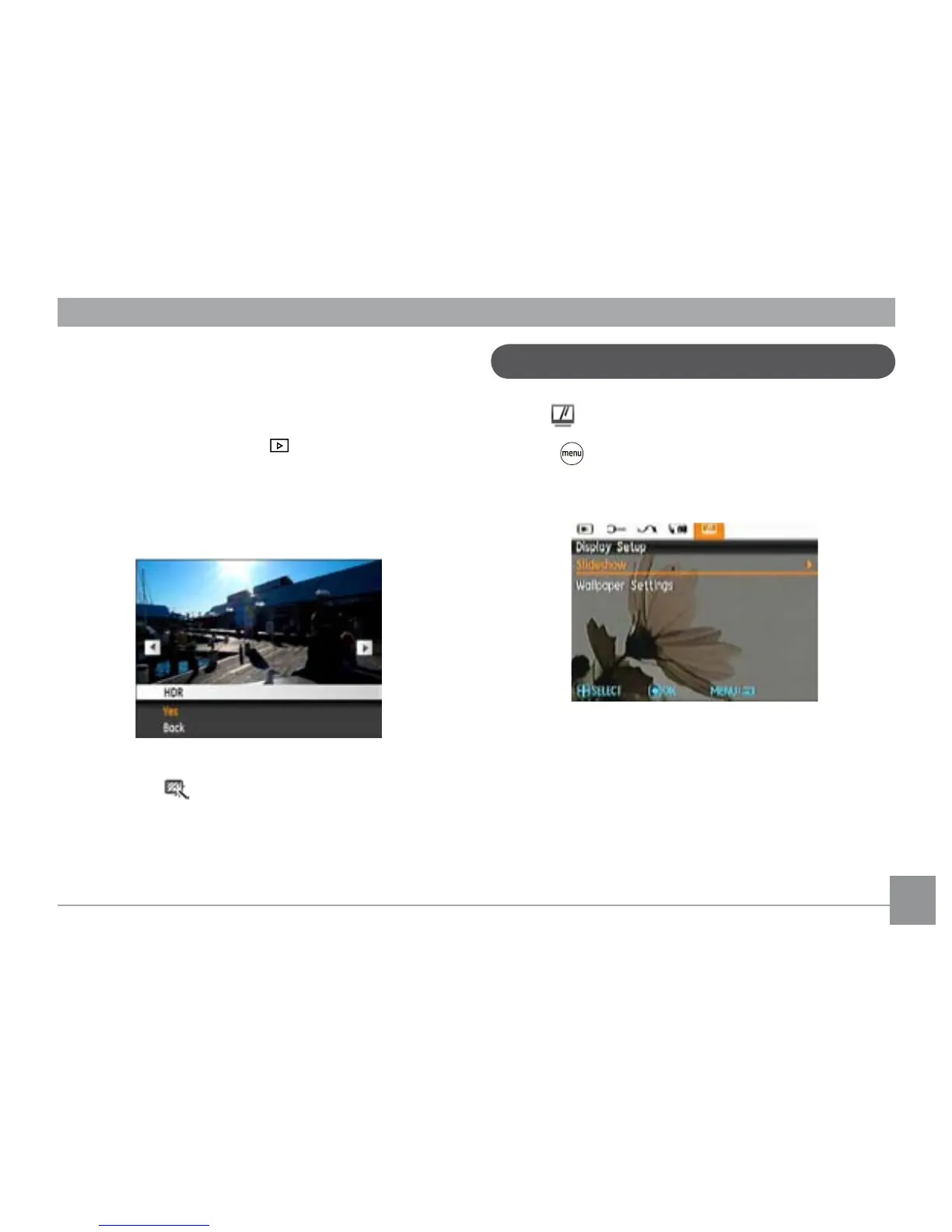
HDR-High Dynamic Range
With the HDR function, pictures that are overexposed may be
corrected by optimizing the highlights and lowlights captured
to more accurately represent the actual scene.
1. Select the HDR setting in the
menu as described
previously.
2.
Press the Left and Right button to nd pictures you want
to optimize and then select Conrm to perform HDR
optimization or select Return to go back to Playback menu.
3. After HDR optimizing, the image will be saved as another
le with the
icon as a prompt, the original le will still
remain in the memory.





 To Next Page