50 5151
2. Use the Up/Down button and select "One" to protect
individual photos or movies, or select "All" to protect
all photos and movies stored in the memory card. Press
the
button to conrm and enter the photo/movie
protection interface.
3.
Press the button and select Yes to lock displayed
photos or videos, or select Unprotect to unlock them, then
press the Up/Down button and select Back to return to the
playback menu.
Selecting "reset" will un-protect all previously protected
photos and videos.
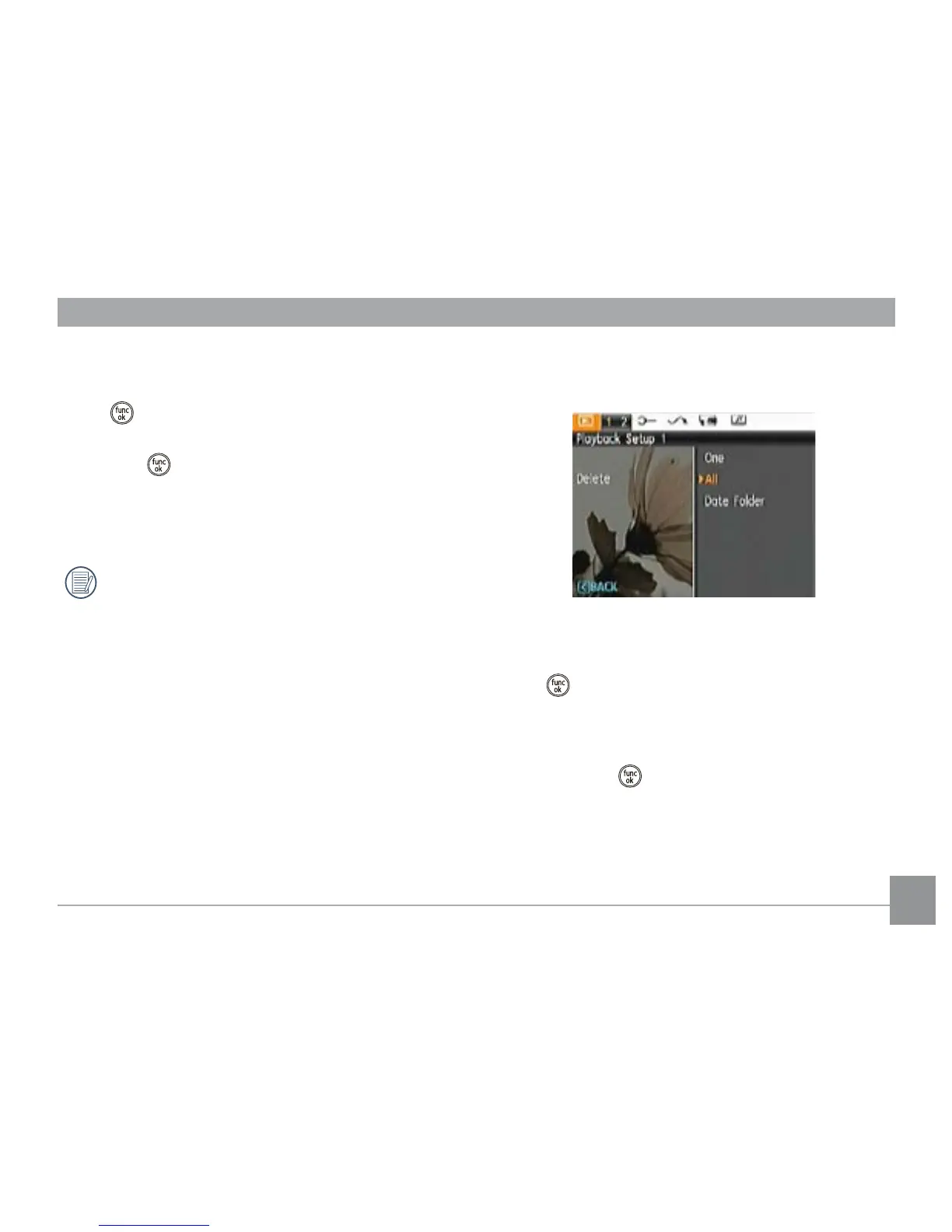
Delete
There are three ways to delete les.
• Delete One:
1. In the Delete setting, select Delete One and then press
the
or Right button.
2. Press the Left/Right button to locate the photo or video to
be deleted. Press the Up/Down button to select item (Yes:
to delete the le or, Cancel: to return to previous menu)
and then press
to conrm.





 To Next Page