32
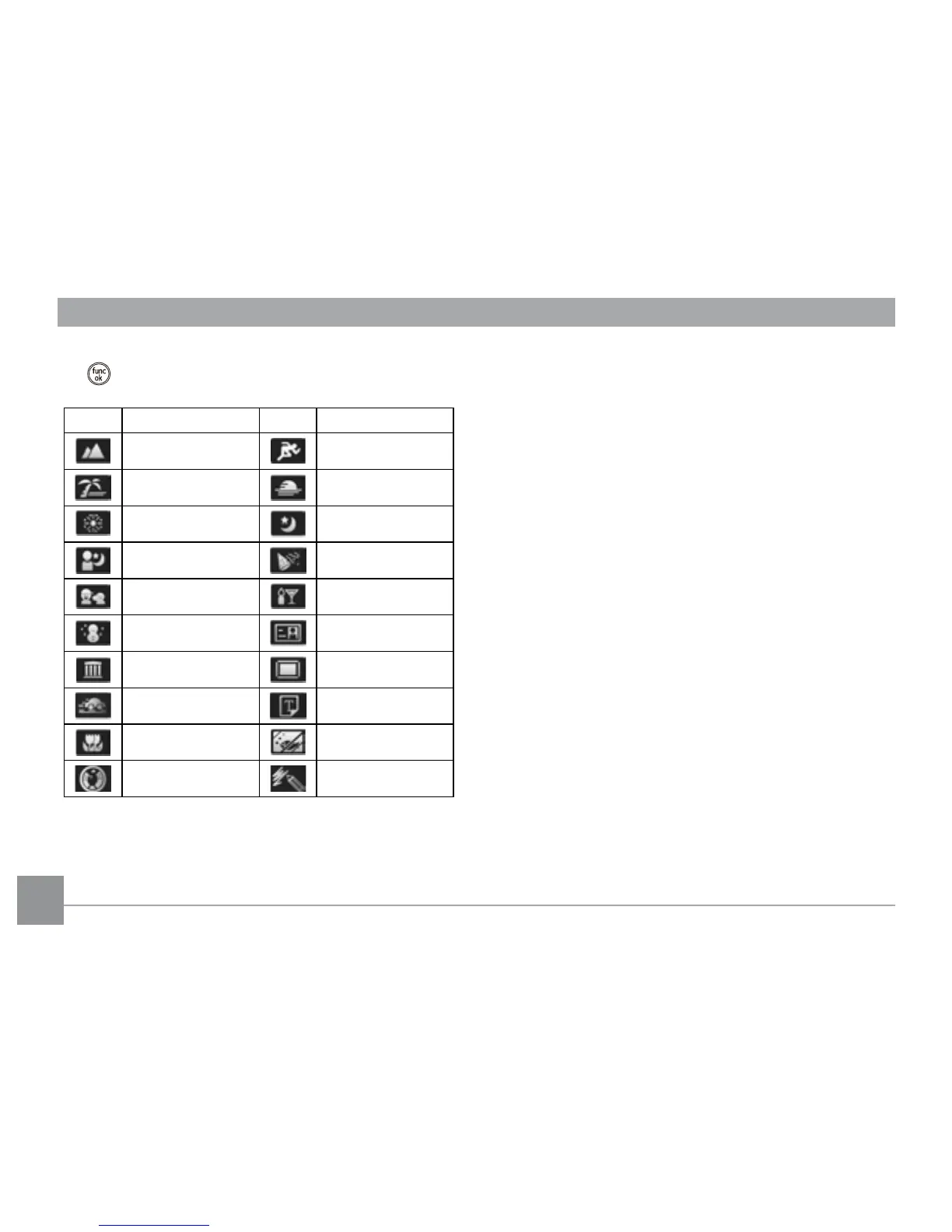
Select a scene using the Up/Down/Left/Right button and press
the
button.
Icon Mode Name Icon Mode Name
Landscape Sport
Beach Sunset
Fireworks Night Landscape
Night Portrait Party
Children Indoor
Snow ID
Museum Photo frame
Panning Shot Text
Leaf Glass
Fish eye Sketch
Landscape
For landscapes. Vivid reproduction of green and blue.
Sport
For fast-moving subjects. Capture sharp action shots without
blur.
Beach
For capturing images in scenes with strong sunlight.
Sunset
For sunsets. Capture subjects in strong sunlight.
Fireworks
For reworks at night. Shutter speed is adjusted to capture
spectacular images. The use of a tripod is recommended.
Night landscape
For night scenes. The use of tripod is recommended.
Night portrait
For portraits against night scenery.





 To Next Page