34 3534 35
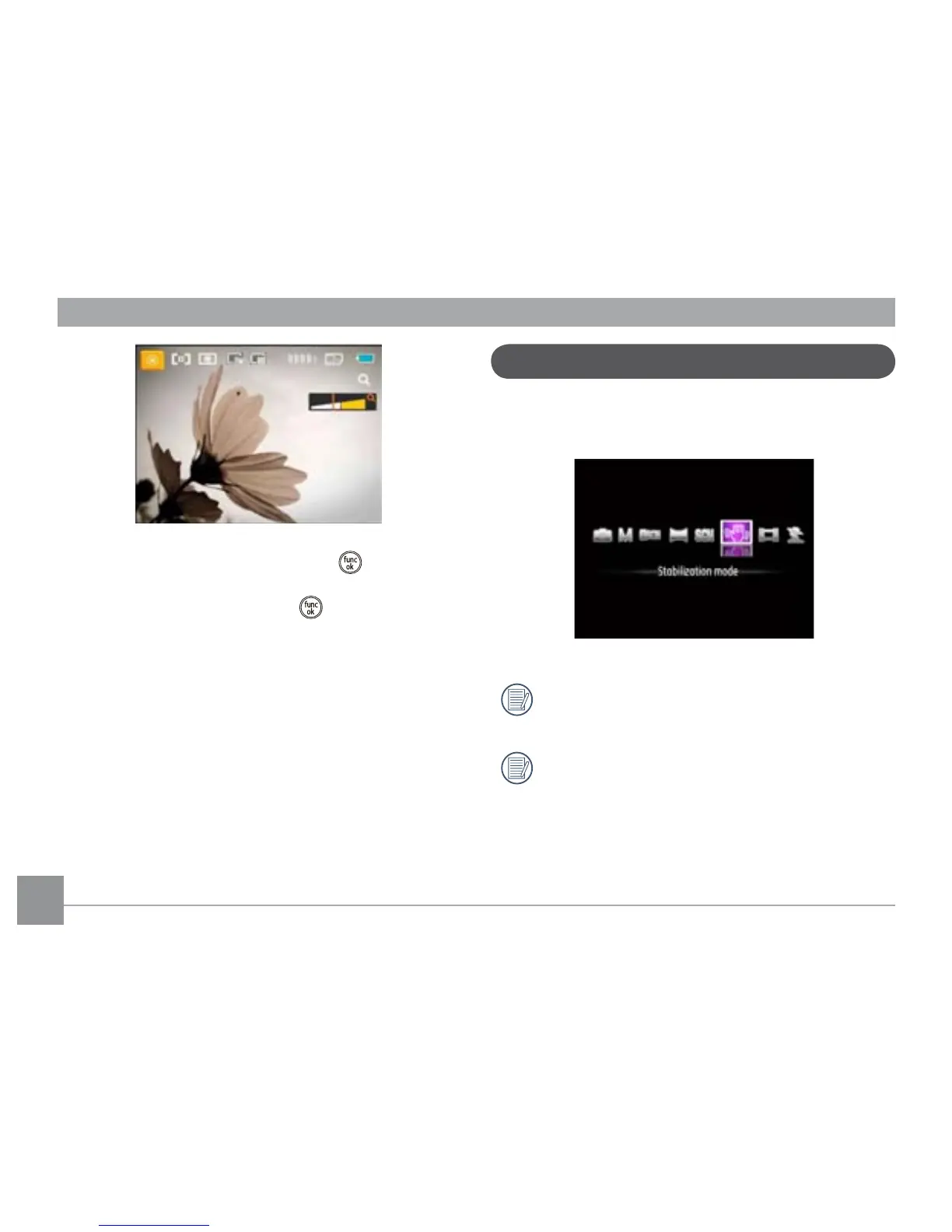
1. After selecting the scene type, press the button to
activate.
2. After setting the option, press the
button to conrm
the setting and enter the selected Scene Selection mode
for shooting.
The main function menu also allows you to adjust the image
quality and image size. Please refer to the "Advanced
Functions Menu" section on page 21 for detailed
instructions.
This mode can help reduce image blur caused by hand shake,
low light or when using slow shutter speeds.
Use stabilization mode in dark environments or when
using slow shutter speeds.
Shooting in a windy or unstable environment (such as a
moving vehicle) may cause blurred images.
Stabilization mode





 To Next Page