2424 25
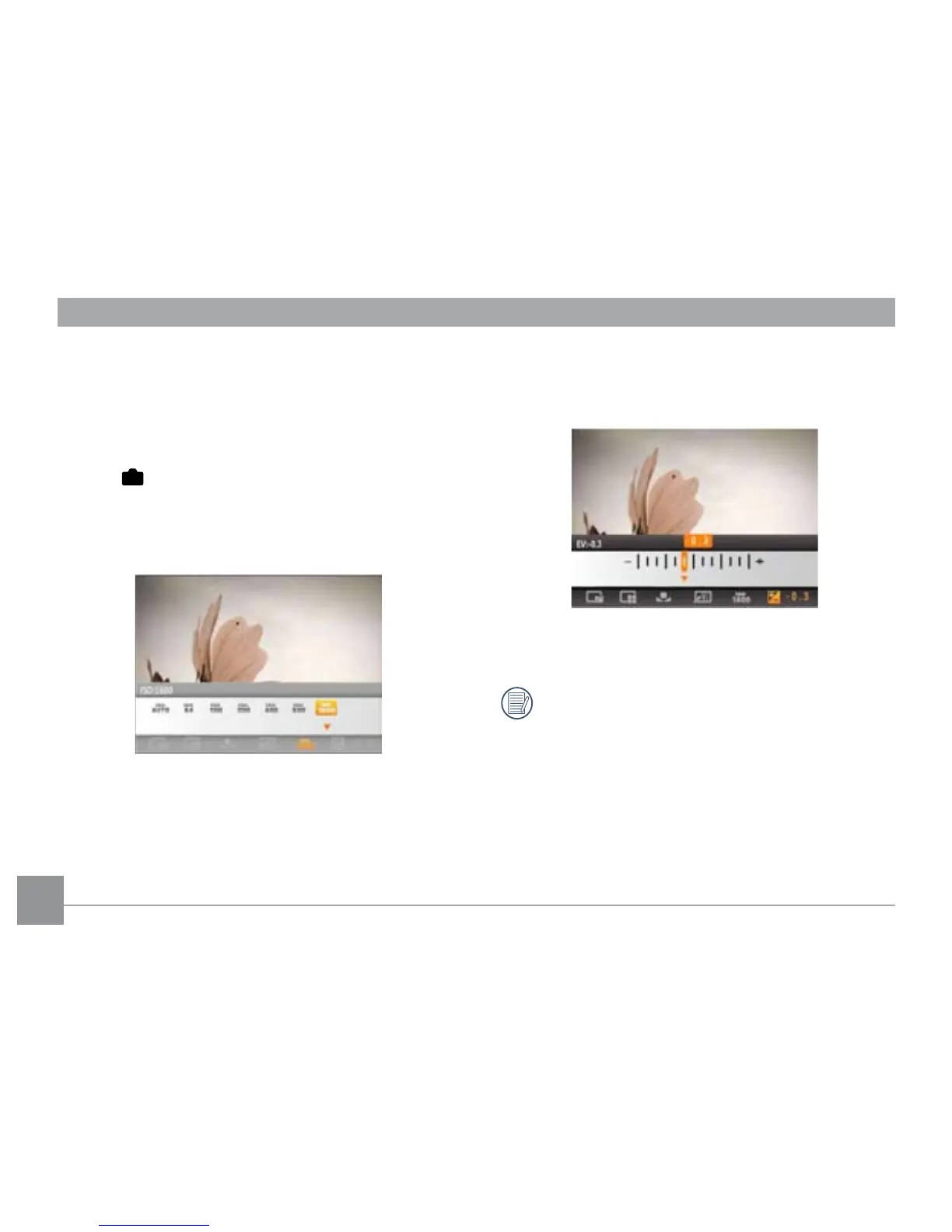
ISO
The ISO function allows you to set the sensitivity of the
camera's sensor to light. To improve the performance in
darker environments, a higher ISO value is required. On
the other hand, a lower ISO value is needed when in bright
conditions. (The ISO setting is only available when the camera
is in the
Manual mode).
Pictures taken with higher ISO will generally have more noise
than those taken with lower ISO.
The options of ISO include automatic, 64, 100, 200, 400, 800
and 1600.
Exposure Compensation
The exposure compensation feature allows you to adjust the
light exposure value to control the brightness of the image.
The adjustable range of exposure value is from EV -2.0 to
EV+2.0.
EV adjustment can also be changed in Movie mode.





 To Next Page