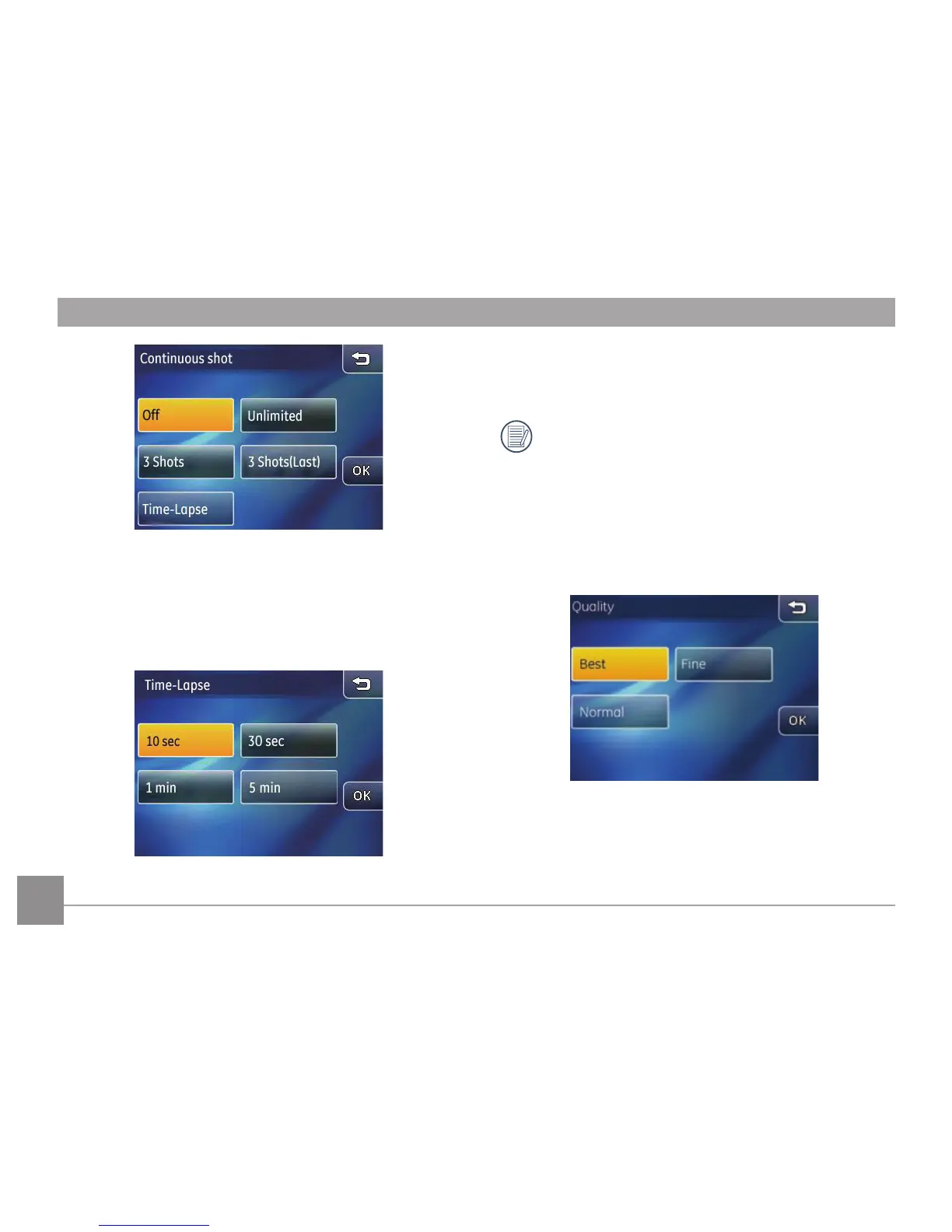
• 3 Shots (Last): Capture pictures continuously until the
shutter button is released but only the last 3 shots are
recorded.
• Time-Lapse:
Time-Lapse automatically captures
pictures in predened intervals.
There are four options:
• 10 Sec • 30 Sec
• 1 Min • 5 Min
When the continuous shot mode is active, the ash will
not function in order to allow faster shutter speed.
Quality
Picture quality setup can adjust the compression ratio of
images saved. Higher picture quality will produce better
results but will also use more storage space.
Choose from the 3 following options:
• Picture quality: Best
• Picture quality: Fine
• Picture quality: Normal



 To Next Page