66 6766 67
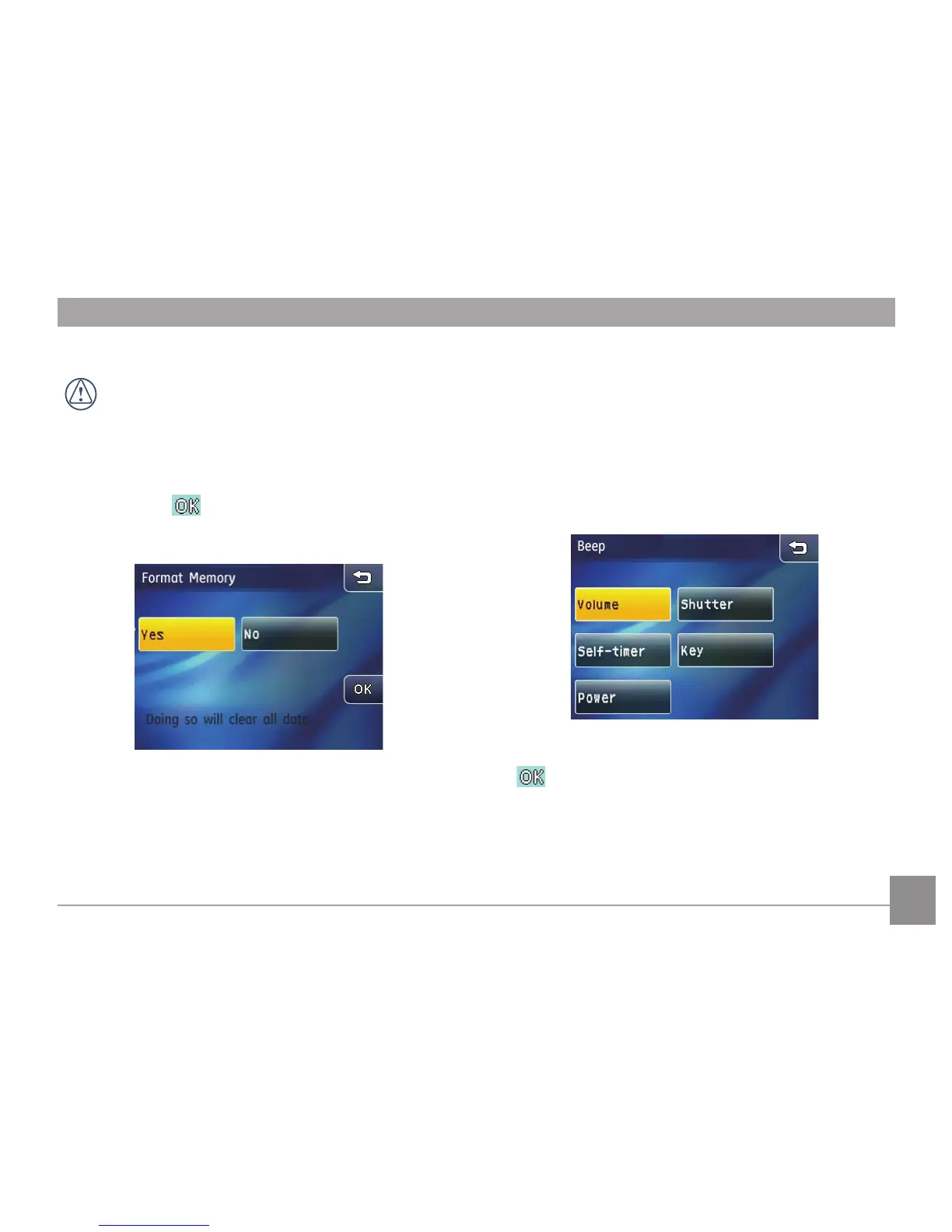
Format Memory
The Format Memory function will erase all data on the
memory card and internal camera memory, including
protected les.
1. Press Format memory in the camera setting menu.
2. Press Yes and
button to conrm (or press the return
key to cancel and go back to the camera setting menu).
3. The current media device is formatted.
Beep
This setting allows you to adjust the volume of beep when
buttons are pressed and change the tones for Shutter, Key,
Self-timer, and Power-on/-o.
1. In the camera setting
menu, select the Beep setting.
2. Touch the button to enter the sub-menu of the setting you
want to set up.
3. In the sub-menu, press the desired selection and then press
button to conrm (or press the return key to cancel
and go back to the camera setting menu).



 To Next Page