1-4 6" QuickPanel* ViewBasic, Monochrome, Round Bezel – September 2010 GFK-2327B
1
Startup
When you first start up the QuickPanel View, a few configuration steps are
necessary.
To start the QuickPanel View
1. Apply AC power to the 24VDC supply.
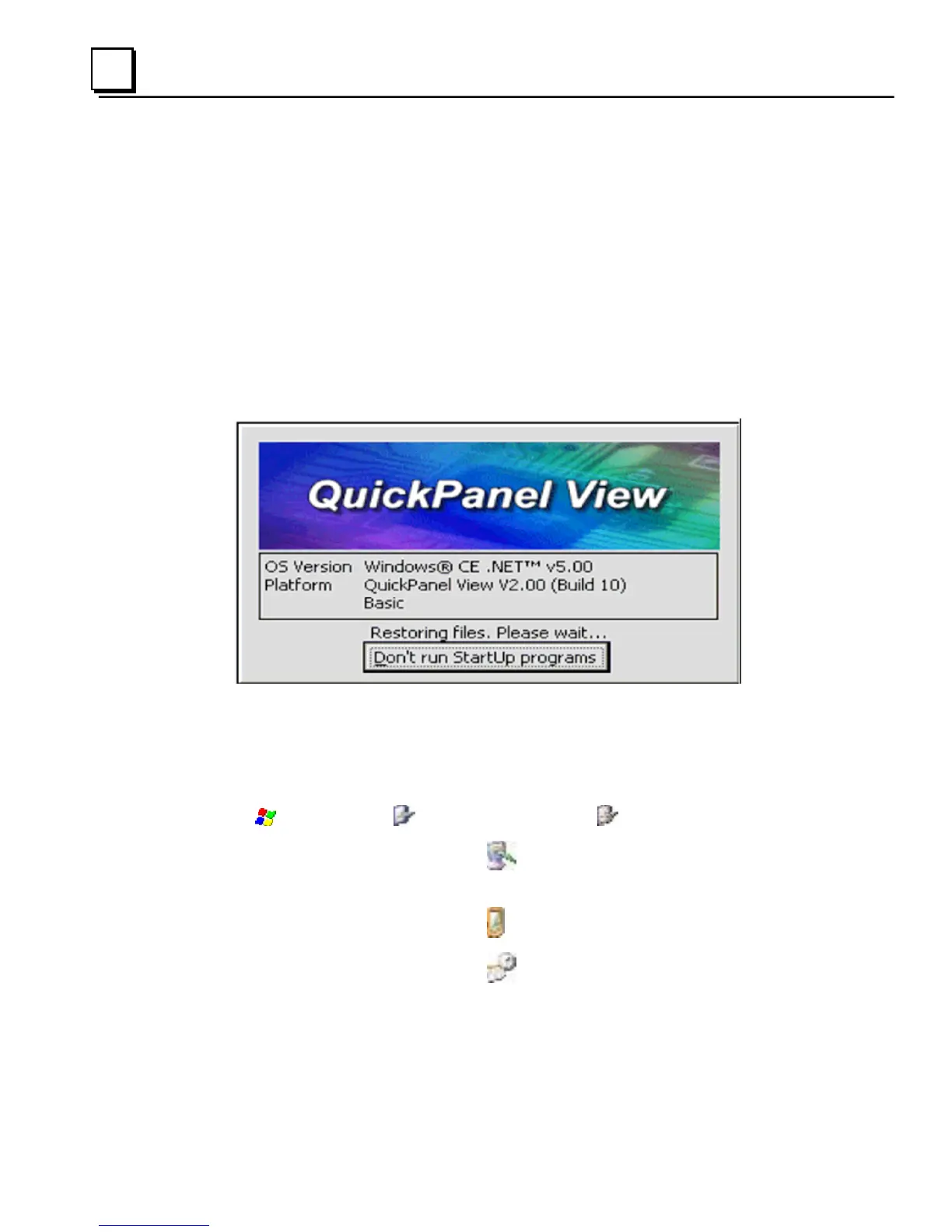
Once power is applied, the QuickPanel View begins initializing. The first
thing to appear on the display is the splash screen.
2. To skip running any programs included in the StartUp folder, tap Don’t
run StartUp programs.
The splash screen disappears automatically after about 5 seconds. The
Windows CE desktop then becomes visible.
3. Tap
Start, point to Settings and then tap Control Panel.
4. In the Control Panel, double-tap
Display to configure the LCD
display.
5. In the Control Panel, double-tap
Stylus to configure the touch screen.
6. In the Control Panel, double-tap
Date and Time to configure the
system clock.



 To Next Page