GFK-2327B Chapter 3 Detailed Operation 3-5
3
Touch Screen
The QuickPanel View display is coupled to a resistive touch panel with 12-bit
resolution. When the QuickPanel View is properly calibrated, this translates into
a grid of touch cells on the face of the display. A blunt stylus should always be
used during calibration for greatest accuracy. During normal operation use of a
finger or a soft and pliable, blunt object is recommended to preserve the
maximum reliability of the touch screen.
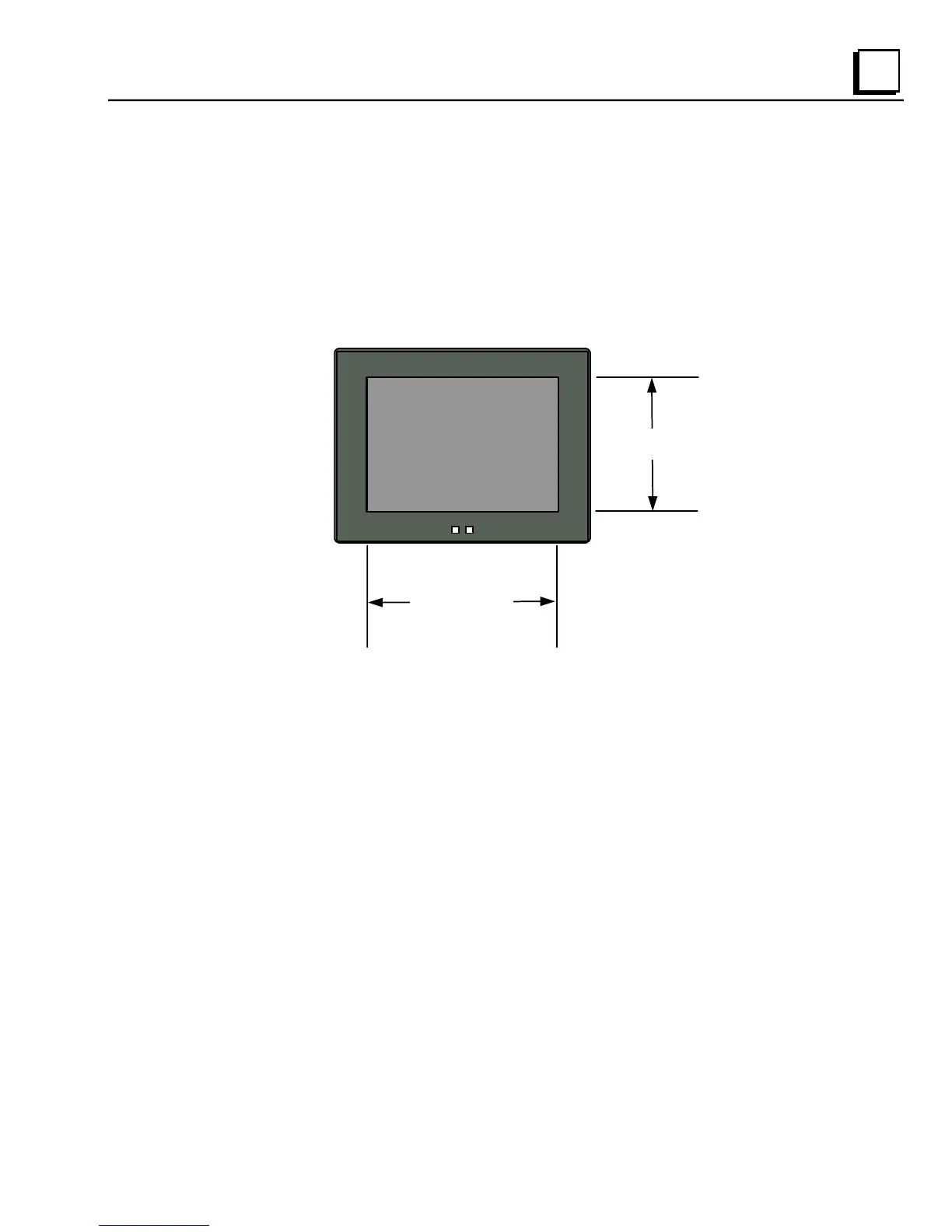
240 pixels
320 pixels



 To Next Page