GFK-2327B Chapter 3 Detailed Operation 3-13
3
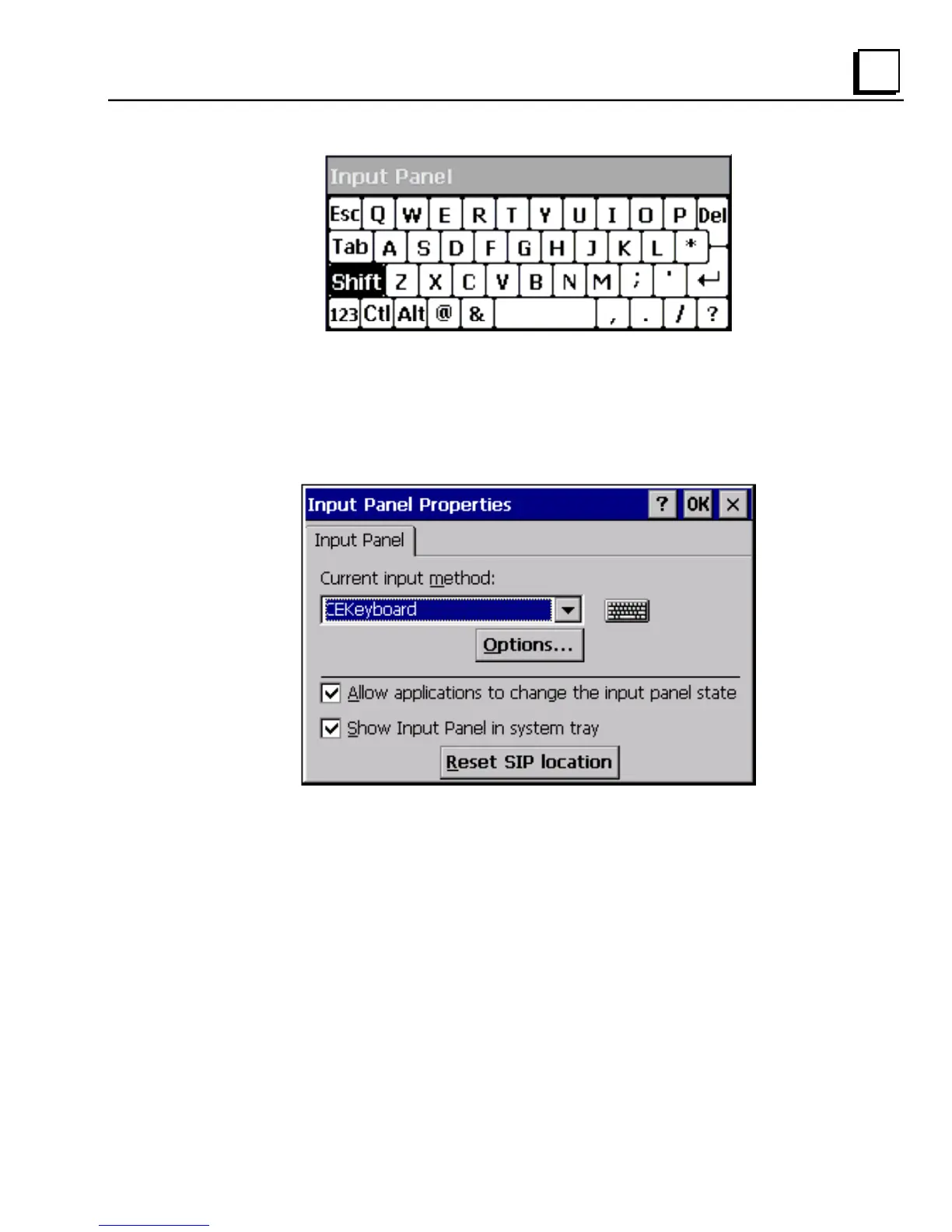
Large Key: Upper Case
To change key configurations
1. In the Control Panel, double-tap Input Panel.
The Input Panel Properties dialog box appears.
2. From the Current input method list, choose CE Keyboard.
3. Tap Options.
The Soft Keyboard Options dialog box appears.



 To Next Page