3-14 6" QuickPanel* ViewBasic, Monochrome, Round Bezel – September 2010 GFK-2327B
3
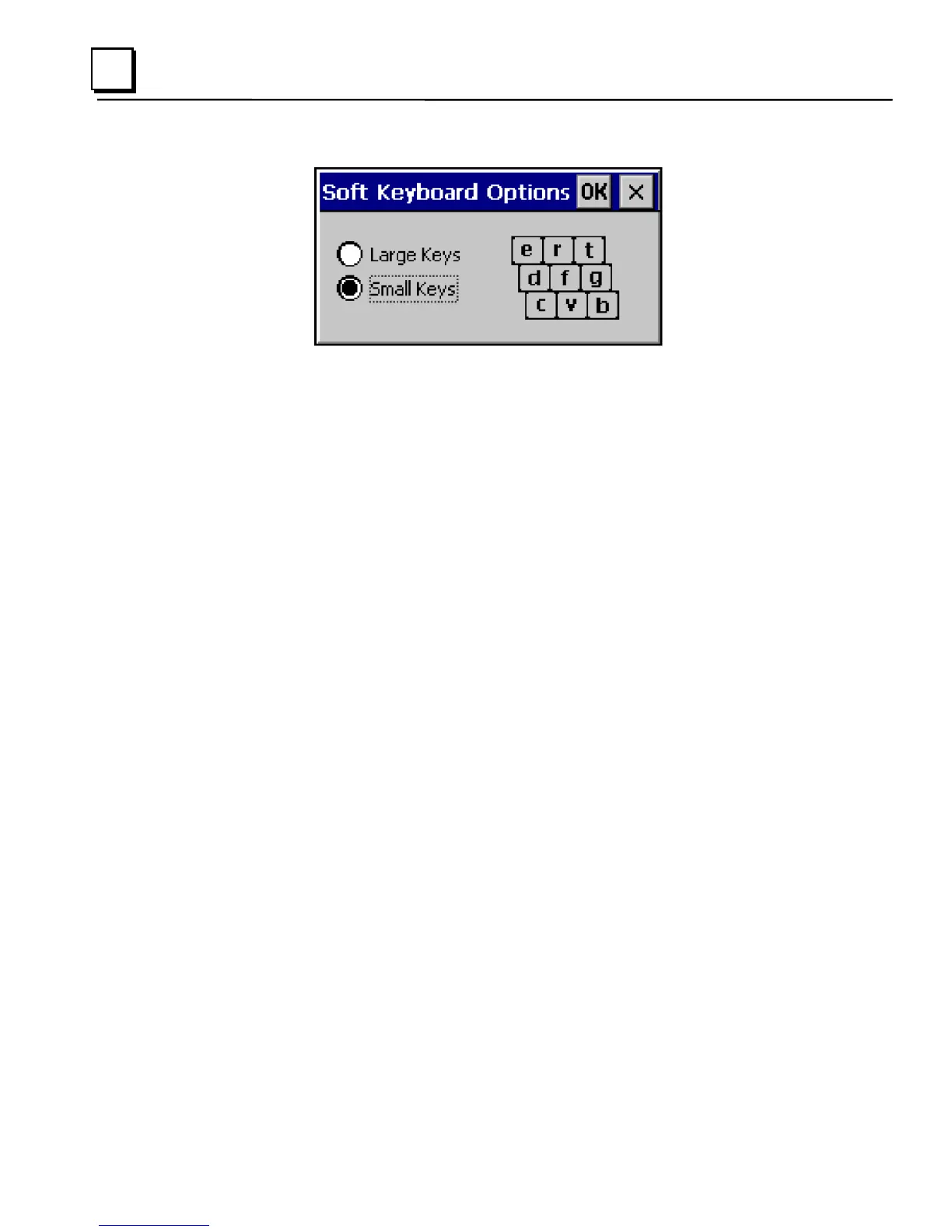
4. Select Large Keys or Small Keys.
A preview of the key size is displayed on the dialog box.
5. 5. Tap OK twice to finish.
6. To save the settings, run the Backup utility. (See page 2-7.)
To reset the SIP Location
If you accidentally drop the SIP off screen and can’t drag it back on screen,
complete the following steps to reset the SIP to the center of the screen.
1. In the Control Panel, double-tap Input Panel.
The Input Panel Properties dialog box, shown on page 3-
7H11), appears.
2. Click Reset SIP location.



 To Next Page