GFK-2327B Chapter 3 Detailed Operation 3-19
3
Working with the COM Port
To add a new remote networking connection
1. From the Start menu, tap Settings and then Network and Dial-
up Connections.
The Connection window appears.
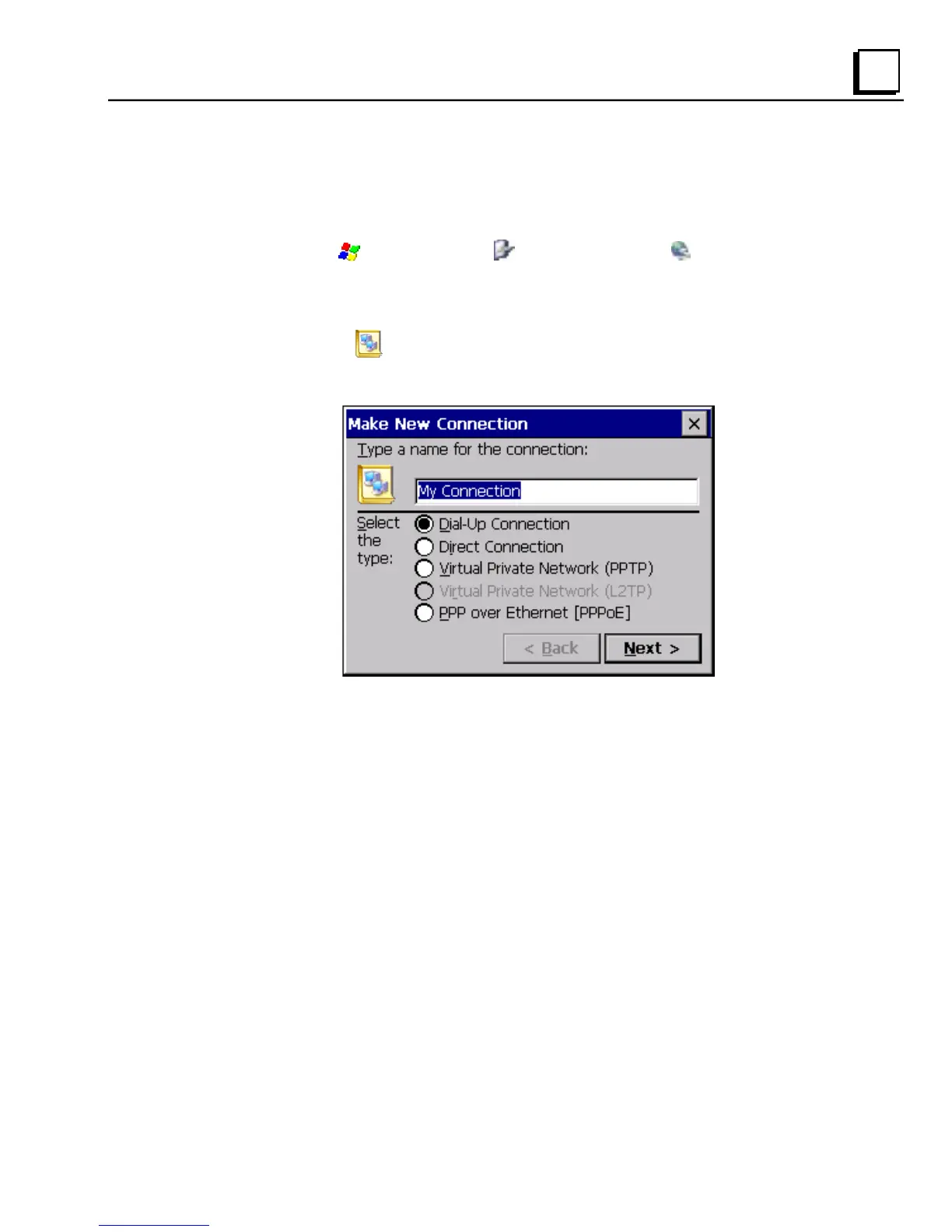
2. Double-tap
Make New Connection.
The Make New Connection window appears.
3. Type a name for the new connection.
4. Choose a connection type. If you are configuring a modem, choose
Dial-Up Connection. If you have a device, select Direct Connection.



 To Next Page