3-20 6" QuickPanel* ViewBasic, Monochrome, Round Bezel – September 2010 GFK-2327B
3
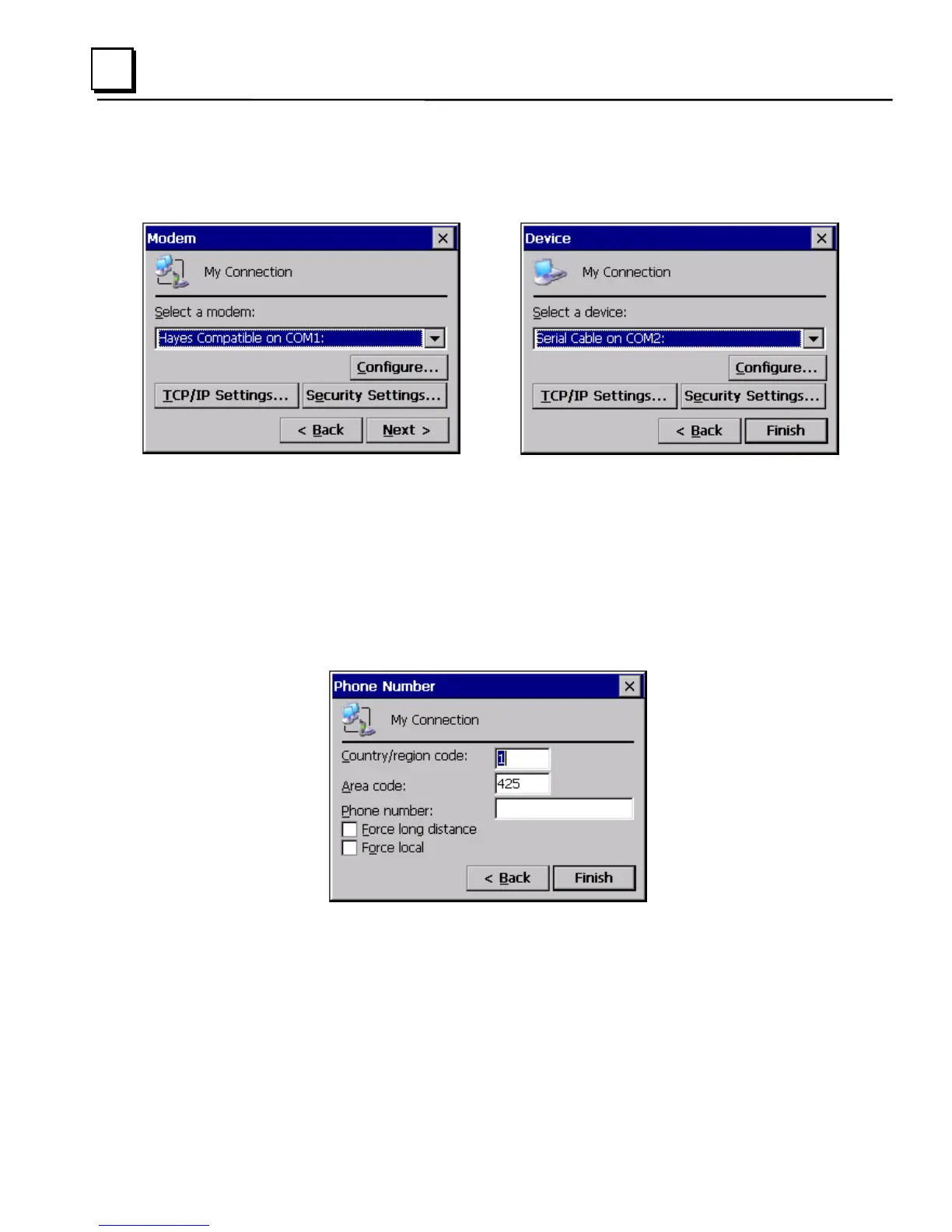
5. Tap Next. The Modem or Device dialog box appears, depending on the
connection type.
or
6. From the list, choose the device or modem you want to use. (If a serial
CF card is inserted, it is available in the device list.)
You can configure your device or TCP/IP Settings at this time if you
wish.
7. Tap Finish for direct connection (Device dialog box) or Next for dial-up
(Modem dialog box).
If you are adding a dial-up connection the following dialog box appears.
8. Type the destination Country/region code, Area code, and Phone
number in the appropriate boxes.
9. Select or clear the Force Long Distance or Force Local check boxes.
10. Tap Finish.



 To Next Page