GFK-2327B Chapter 3 Detailed Operation 3-21
3
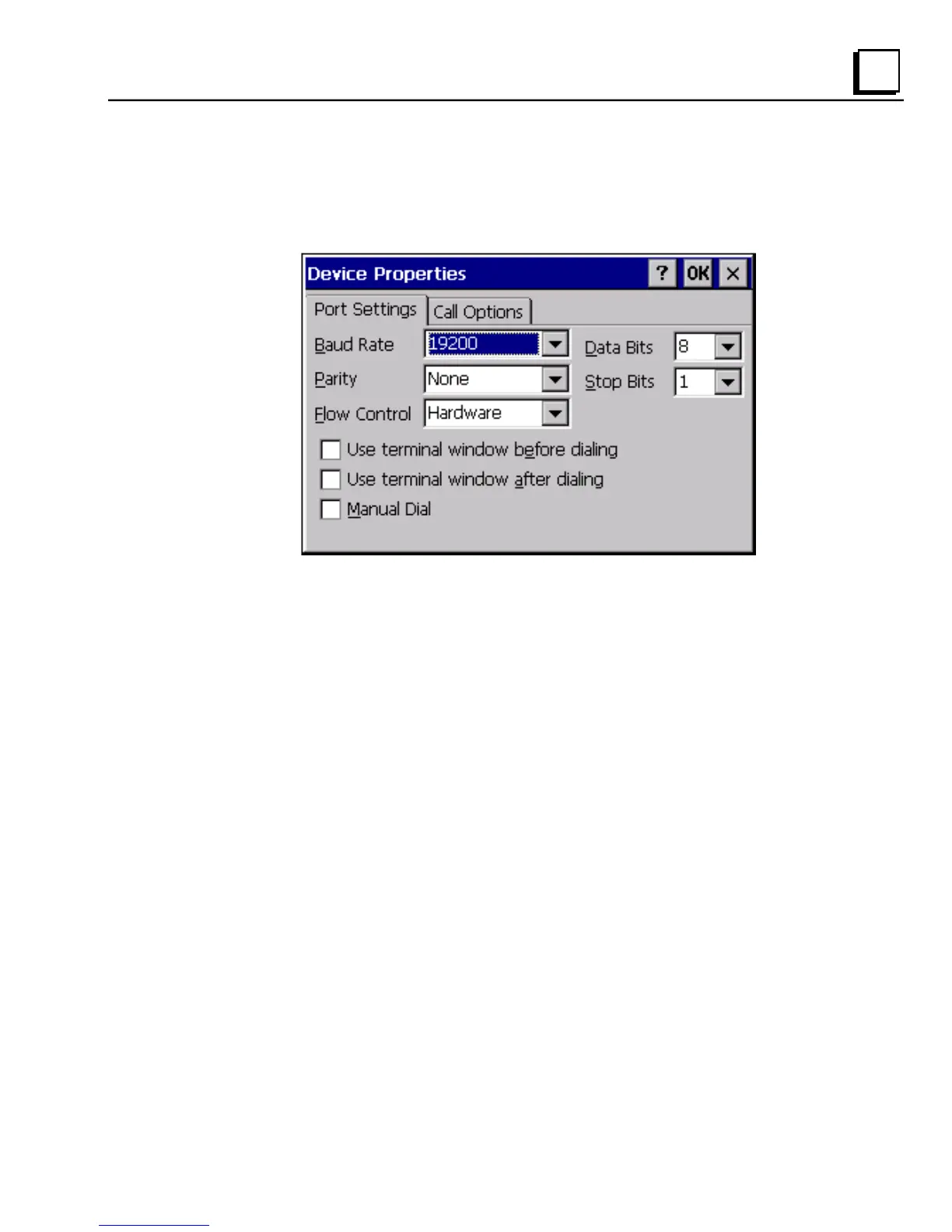
To change the default device properties
1. From either the Device or Modem dialog box, tap Configure.
The Device Properties dialog box appears.
2. In the Port Settings tab, choose settings for all connection preferences.
3. If the connection is for terminal emulation, select or clear the terminal-
related check boxes.
You can use the QuickPanel View to emulate a terminal attached via a
modem link (Hayes compatible) to COM1. A terminal emulation
definition is added as a unique session.



 To Next Page