3-22 6" QuickPanel* ViewBasic, Monochrome, Round Bezel – September 2010 GFK-2327B
3
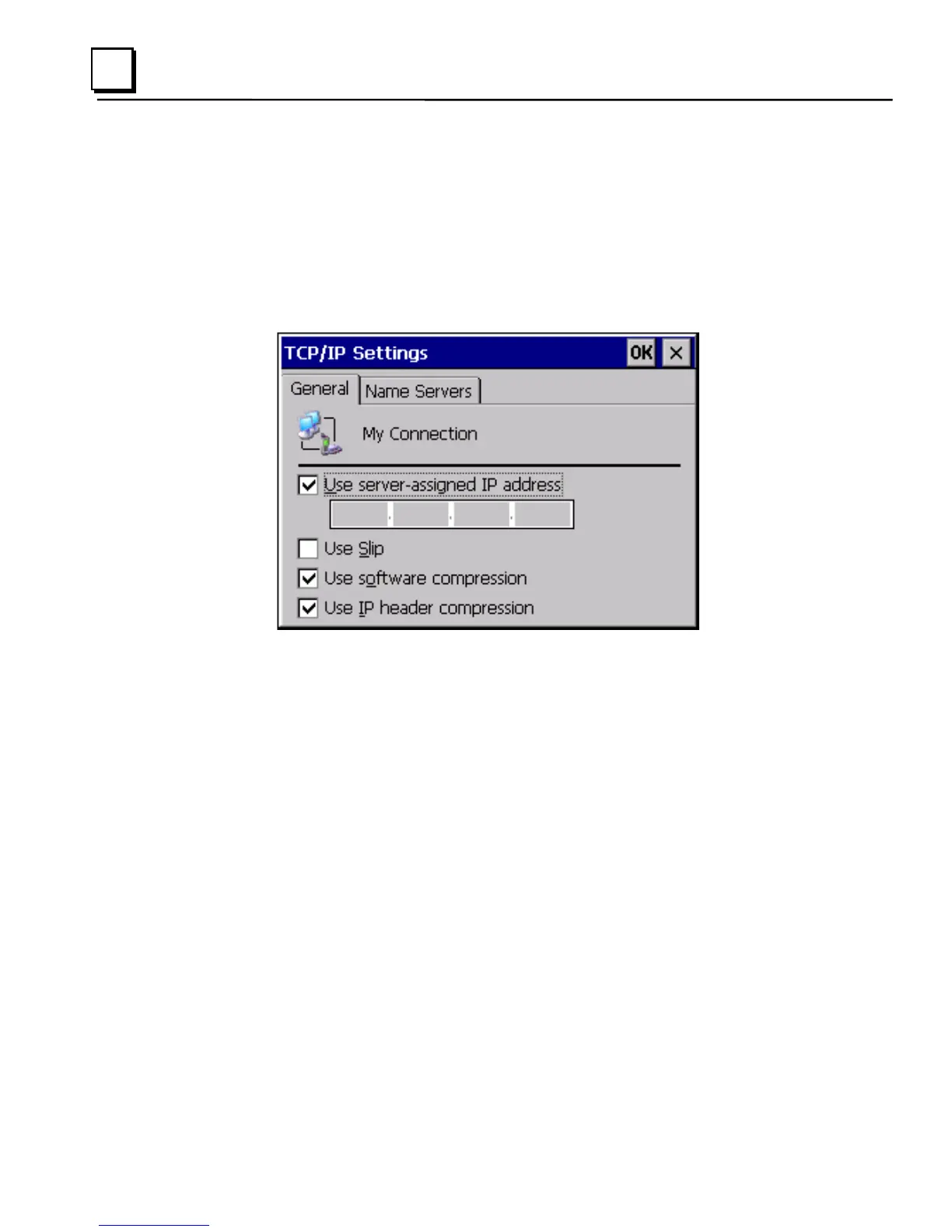
To change the default TCP/IP settings
1. Obtain correct TCP/IP settings from your network administrator.
2. From the Device, Modem, PPPoE Connection, or VPN Connection
dialog box, tap TCP/IP Settings.
The TCP/IP Settings dialog box appears.
3. Enter the TCP/IP settings from your network administrator and then
click OK.



 To Next Page