3-24 6" QuickPanel* ViewBasic, Monochrome, Round Bezel – September 2010 GFK-2327B
3
The QuickPanel View provides two methods for setting an IP address:
DHCP (Dynamic Host Configuration Protocol). This is the default
method that is carried out automatically.
Note: There must be a DHCP server on the connected network for a
valid IP address to be assigned. Contact your network
administrator to ensure correct DHCP server configuration.
Manual method. You uniquely specify the numeric addresses for the
QuickPanel View, the Subnet Mask, and the Default Gateway (if
applicable).
Note: Use a crossover cable to connect the QuickPanel View directly
to a PC. When connecting to a LAN HUB, use a
straight-through cable. Contact your network administrator for
further information.
To set an IP address
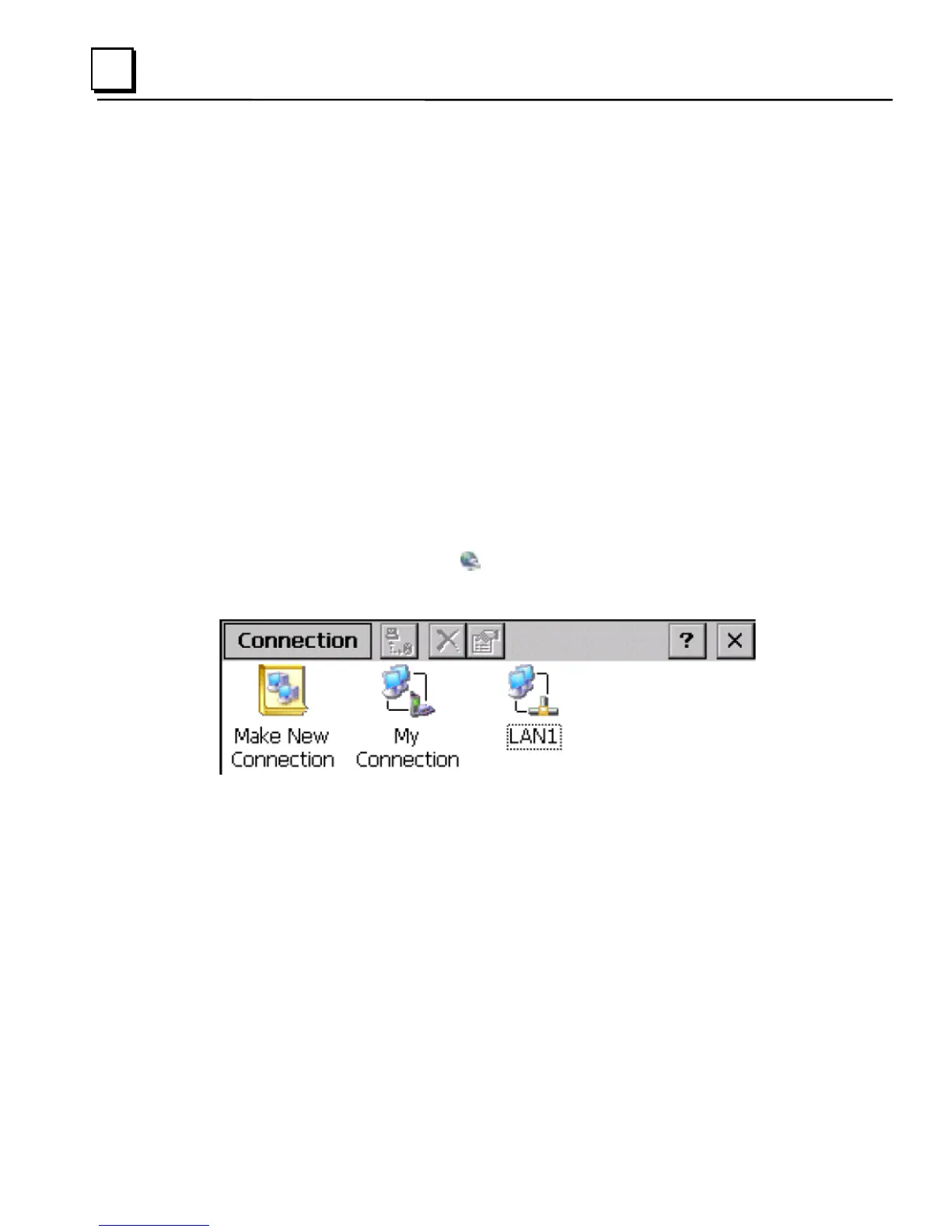
1. From the Control Panel, tap Network and Dial-up Connections.
The Connection window appears.



 To Next Page