GFK-2327B Chapter 3 Detailed Operation 3-27
3
5. On the Network ID tab, type your User name, Password and Domain.
6. Tap OK.
7. To save the settings, run the Backup utility. (See page 2-7.)
Using Windows CE Explorer, you can now access anything on your local
network for which you have permission.
To access a remote resource on a Windows network
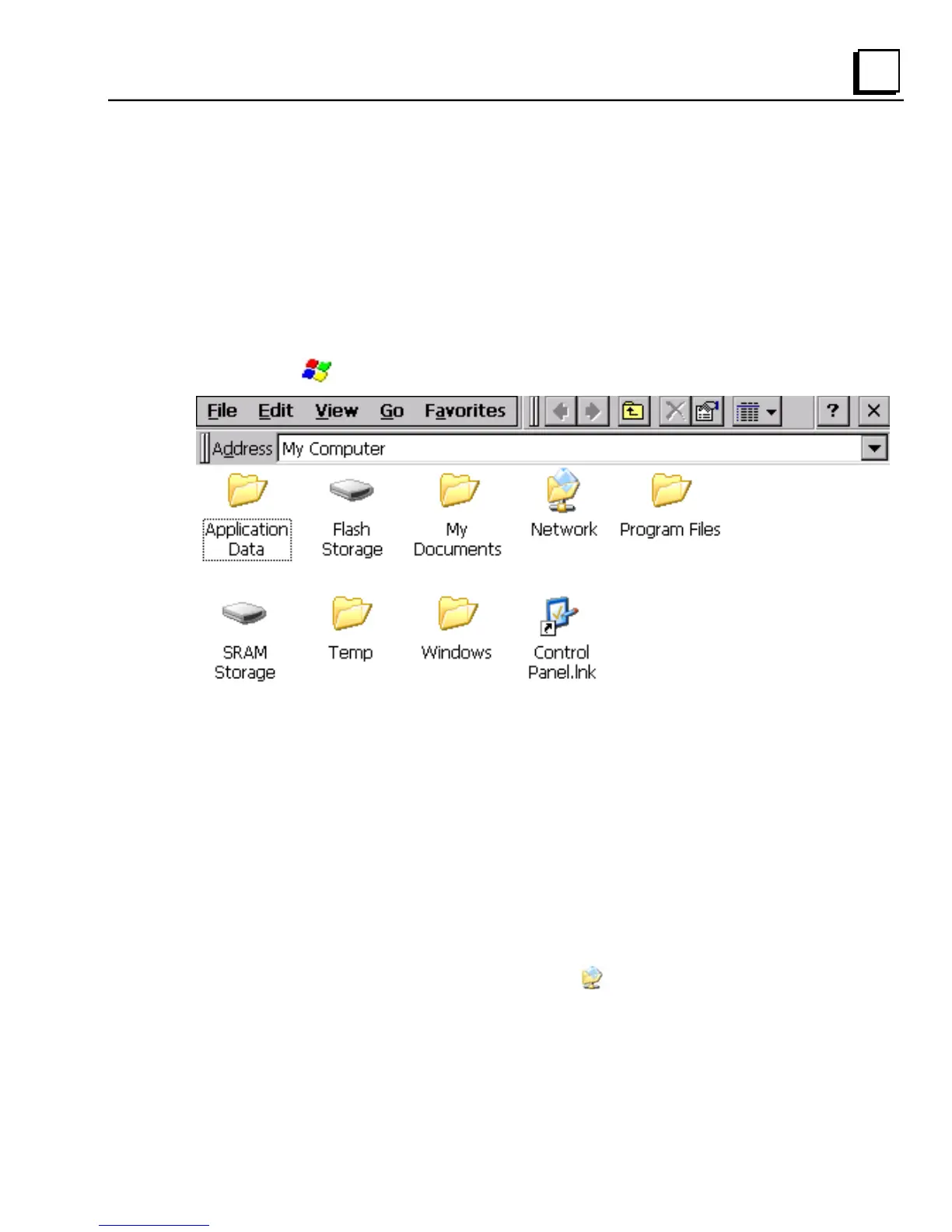
1. Start Windows Explorer. The Explorer window appears.
2. Type in the Address box, or choose from a list, the path to a remote
resource.
For example ‘\\MyRemoteComputer\MyFolder’ specifies the folder
named ‘MyFolder’ on a computer with the name ‘MyRemoteComputer’.
3. Press ENTER.
The resource specified is displayed as a collection of files and folders. It
can take a few moments to retrieve the data from your local network.
Note: You can use the NET command from the command prompt to map
a network resource to the QuickPanel View for frequent access.
The resource then appears in the
Network folder.



 To Next Page