3-26 6" QuickPanel* ViewBasic, Monochrome, Round Bezel – September 2010 GFK-2327B
3
To set up access to a Windows network
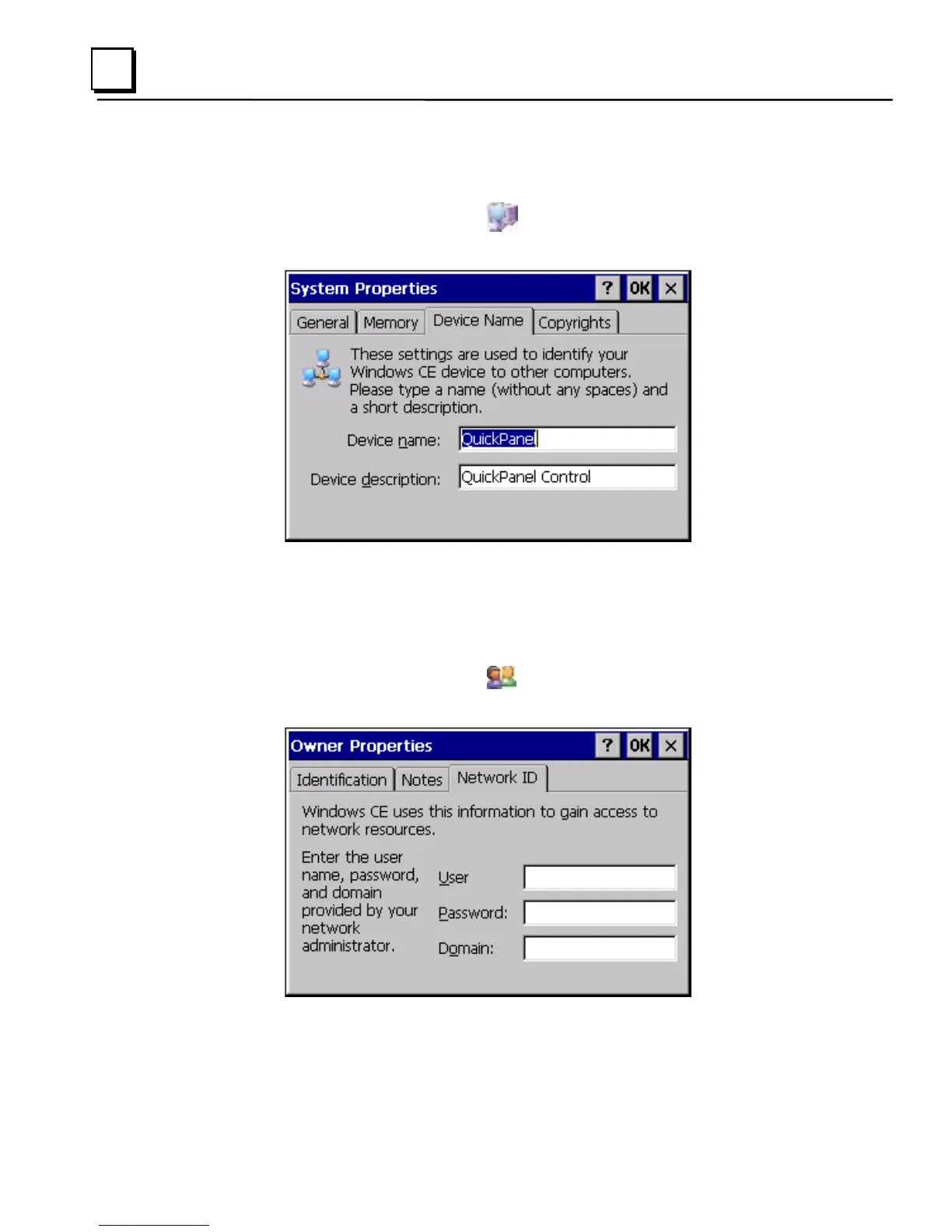
1. In the Control Panel, double-tap System. The System Properties
dialog box appears.
2. On the Device Name tab, in the Device name box, type a unique name
for your QuickPanel View. In the Device description box, type a
description.
3. Tap OK.
4. In the Control Panel, double-tap
Owner. The Owner Properties
dialog box appears.



 To Next Page