13
HELP
Press this pad and any feature
pad for usage instructions
and tips.
DISPLAY
Follow the instructions displayed.
GUIDES IN BOOK
• Cooking
• Time Defrost
• Cooking Reference
2
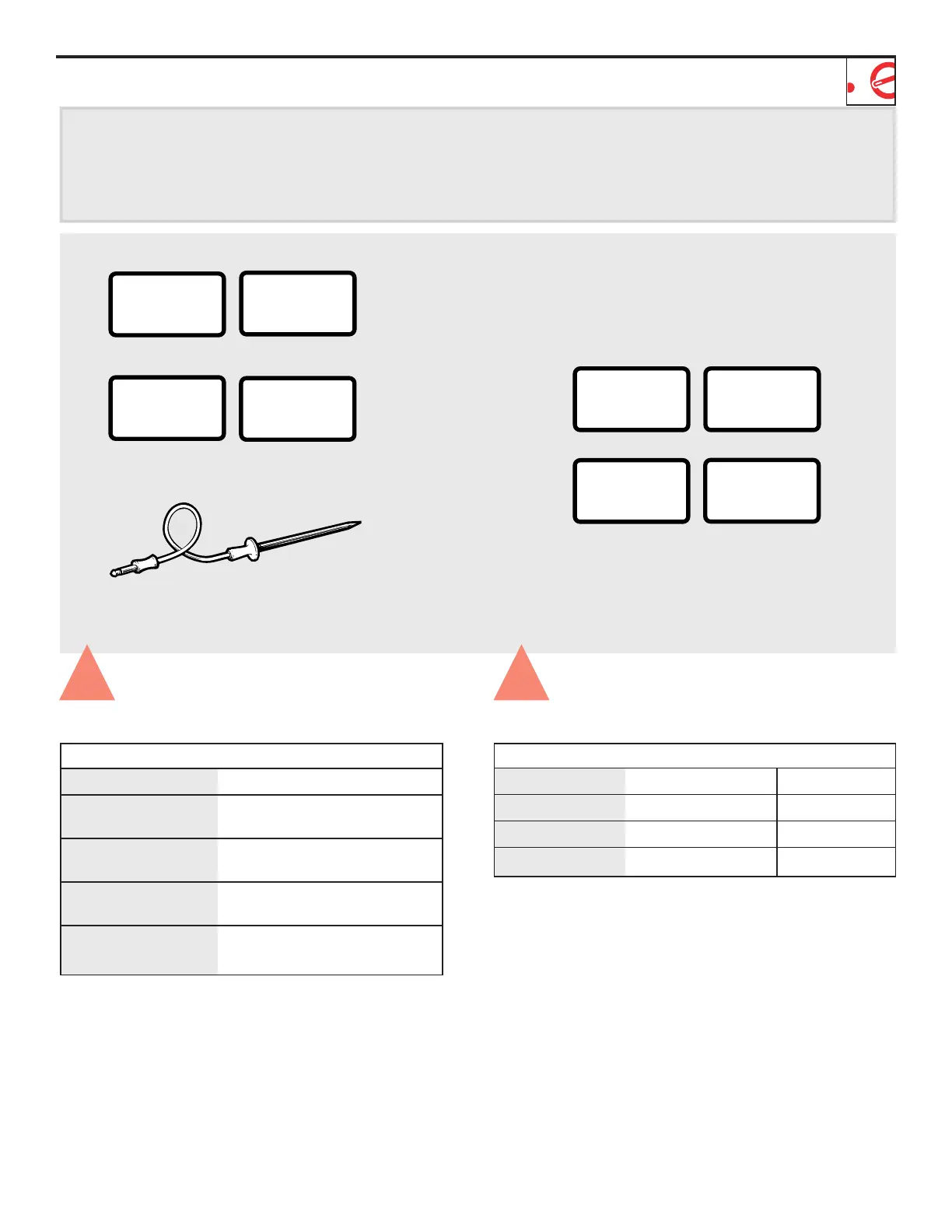
Temperature Features
Allows you to cook by temperature. Use the probe.
Press Enter
TEMP COOK/HOLD Desired food temperature.
Convection COOK Desired oven temperature
and desired food temperature.
Combination COOK Desired oven temperature
and desired food temperature.
Combination ROAST MEDIUM automatically
(Press once) selected.
Combination ROAST WELL automatically
(Press twice) selected.
3
Sensor Features
Press Enter Option
POPCORN Starts immediately! more/less time
BEVERAGE Starts immediately!
REHEAT Starts immediately! more/less time
COOK Food type 1–7



 To Next Page