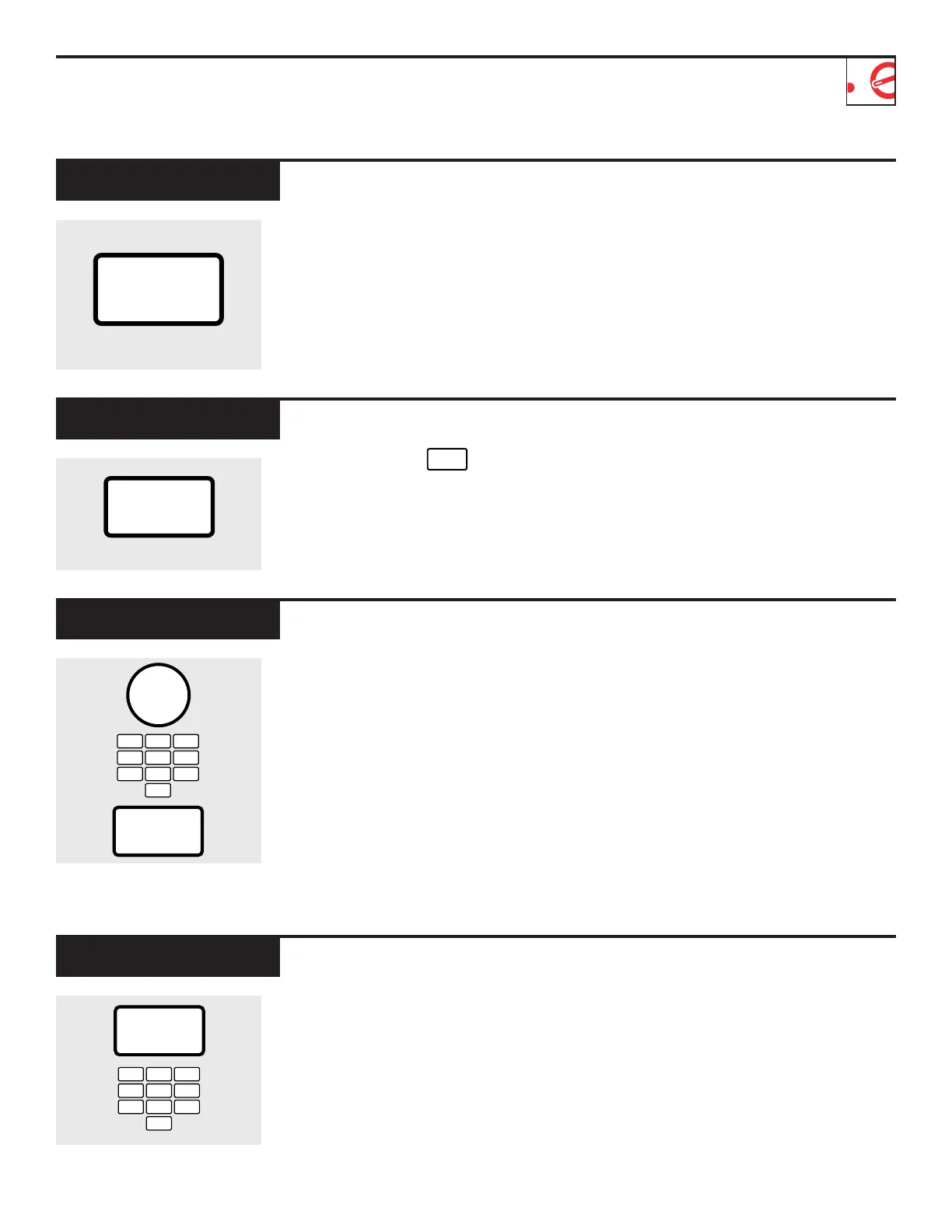
The scroll speed of the display can
be changed. Press and hold the
AM/PM pad about 3 seconds to
bring up the display. Select 1–5 for
slow to fast scroll speed.
Scroll Speed
SCROLL SPEED
AM/PM
The Timer On/Off operates as a
minute timer and can be used at
any time, even when the oven is
operating.
1
Press TIMER ON/OFF.
2
Enter time you want to count
down.
3
Press TIMER ON/OFF to start.
When time is up, the oven will sig-
nal. To turn off the Timer signal,
press TIMER ON/OFF.
NOTE:
The Timer indicator will
be lit while Timer On/Off is
operating.
Timer On/Off
TIMER
ON/OFF
1
EXPRESS COOK
4
EXPRESS COOK
7
5
EXPRESS COOK
6
EXPRESS COOK
8 9
3
EXPRESS COOK
2
EXPRESS COOK
0
DISPLAY ON/OFF
To turn the clock display off,
press and hold for about
three seconds.
To redisplay the clock, repeat the
above.
0
DISPLAY ON/OFF
Delay Start allows you to set the
microwave to delay cooking up to
24 hours.
1
Press DELAY START.
2
Enter the time you want the oven
to start. (Be sure the microwave
clock shows the correct time of
day.)
3
Select any combination of Defrost
Auto/Time, Micro Cook I & II,
Temp Cook/Hold, or
Combination Roast.
4
Press START.
The Delay Start time will be dis-
played plus “DS.” The oven will
automatically start at the delayed
time.
The time of day may be displayed
by pressing CLOCK.
Delay Start
DELAY
START
1
EXPRESS COOK
4
EXPRESS COOK
7
5
EXPRESS COOK
6
EXPRESS COOK
8 9
3
EXPRESS COOK
2
EXPRESS COOK
0
DISPLAY ON/OFF
AM/PM



 To Next Page