13
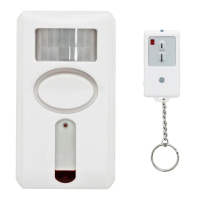
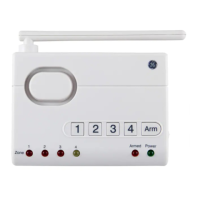
the remote at the front of the alarm and
press and hold the ARM and DISARM
buttons on the remote control for 2
seconds. To turn off the panic alarm, aim
the remote at the front of the alarm and
press the DISARM button.
TESTING MOTION SENSOR OPERATION
1. Set remote to CHIME mode and press
ARM button; the chime will sound
once.
2. After initial chime, wait 15 seconds
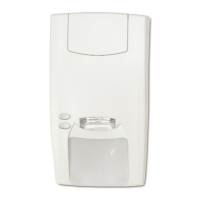
and wave hand in front of the sensor.
If chime sounds immediately, the
sensor is working properly.
3. To discontinue test, point remote at
front of alarm and press DISARM. Set
remote to ALARM mode.
CARE AND MAINTENANCE
To clean the alarm housing, use a soft



 To Next Page