6
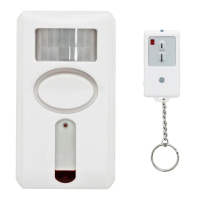
LINKING THE REMOTE TO THE ALARM
Make sure you have installed the batteries
before proceeding.
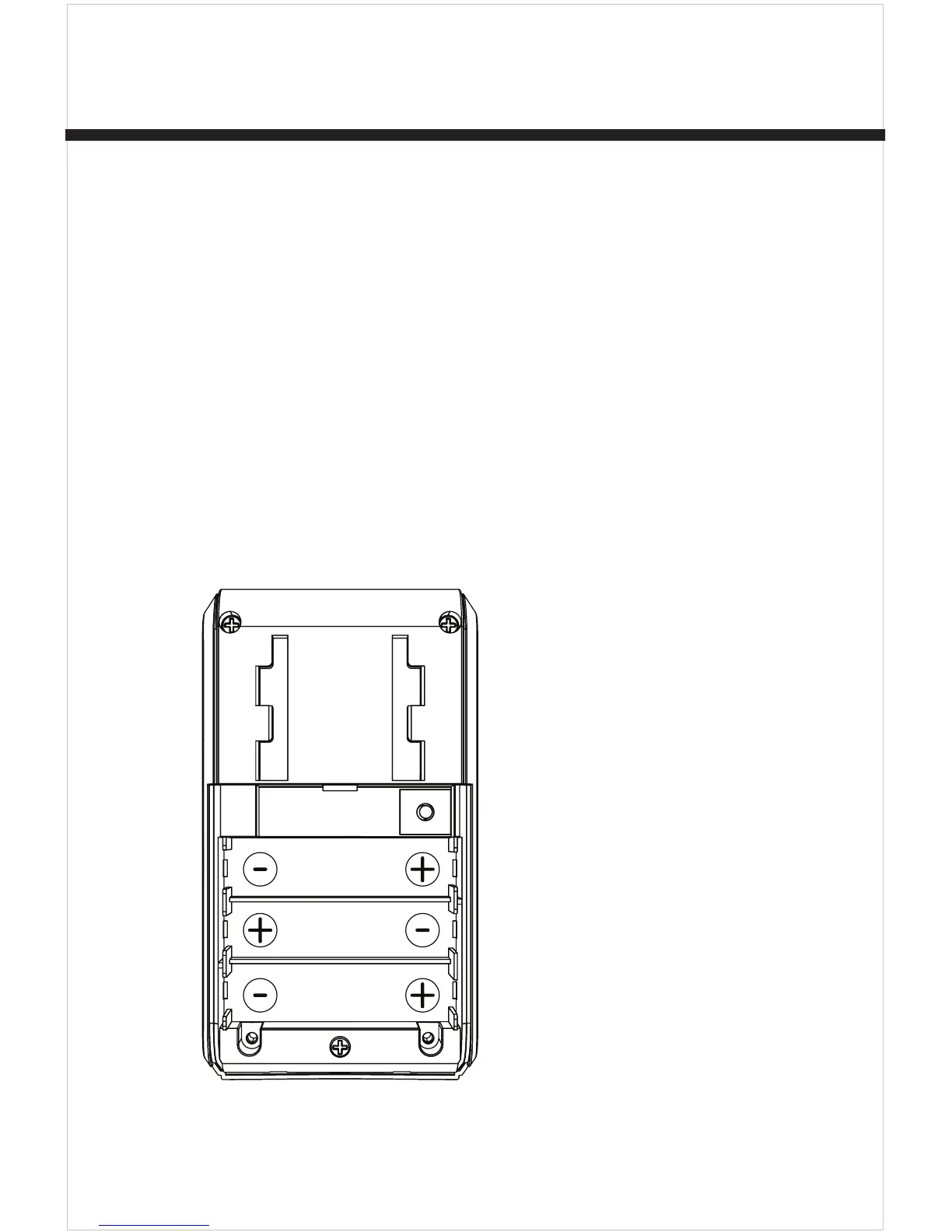
1. Remove the battery compartment
screw and slide off cover in the
direction of the open arrow. Locate
LEARN button.
Battery Compartment
Learn
Button
Learn
2. Press the LEARN button.



 To Next Page