CHAPTER 17: MISCELLANEOUS COMMANDS MISCELLANEOUS COMMANDS
MULTILINK ML2400 ETHERNET COMMUNICATIONS SWITCH – INSTRUCTION MANUAL 17–17
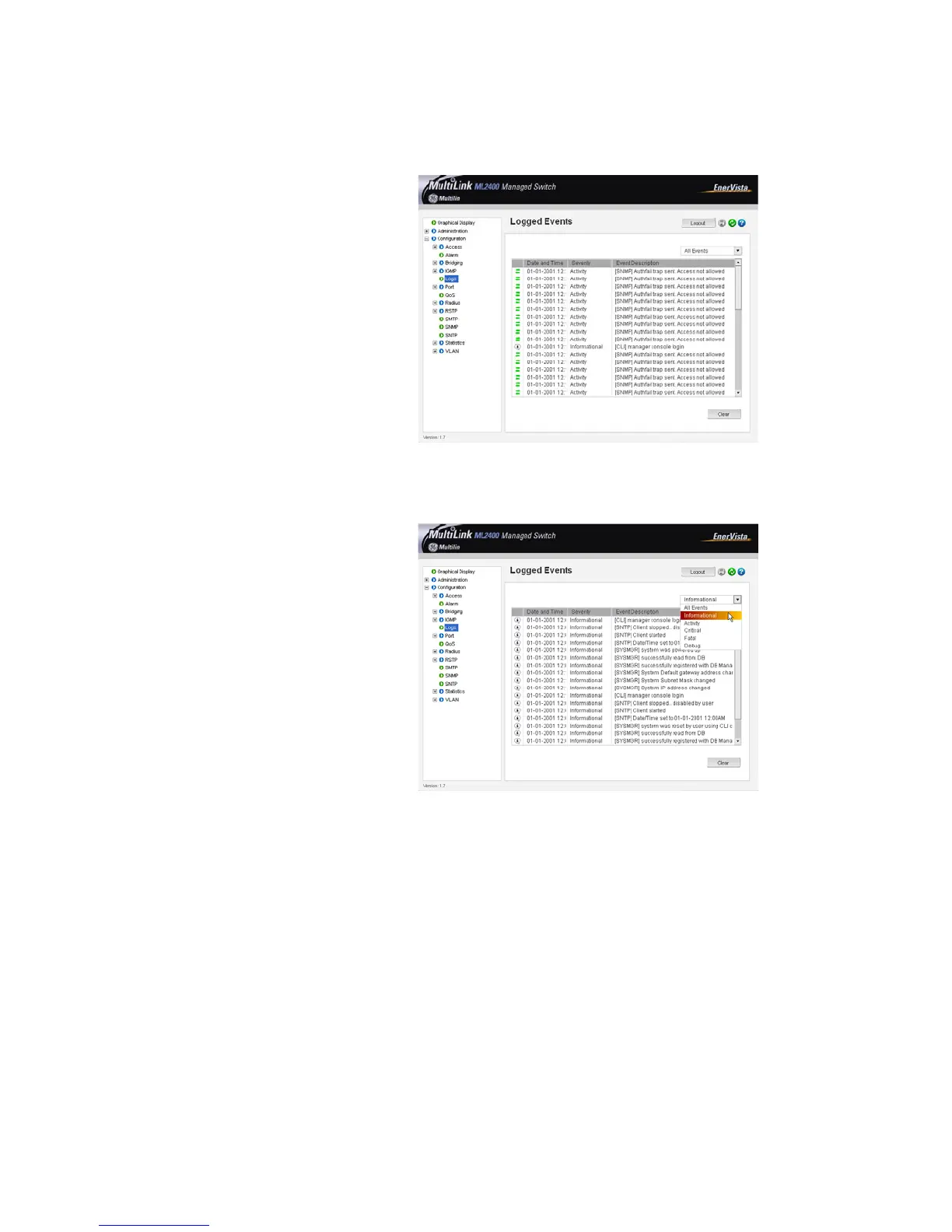
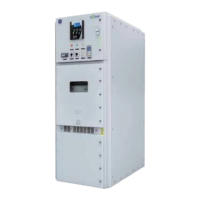
For viewing each specific log,
Z Select the Configuration > Logs menu item.
Each specific type of log can be viewed by using the drop down menu as shown below. In
this example only informational logs are displayed.
The Clear button clears all the logs. To prevent accidental erasures, you will be prompted
again if the logs should be deleted.
The Event Log records operating events as single-line entries listed in chronological order.
For details on event log records, refer to Description on page 17–15.



 To Next Page