– 18 –
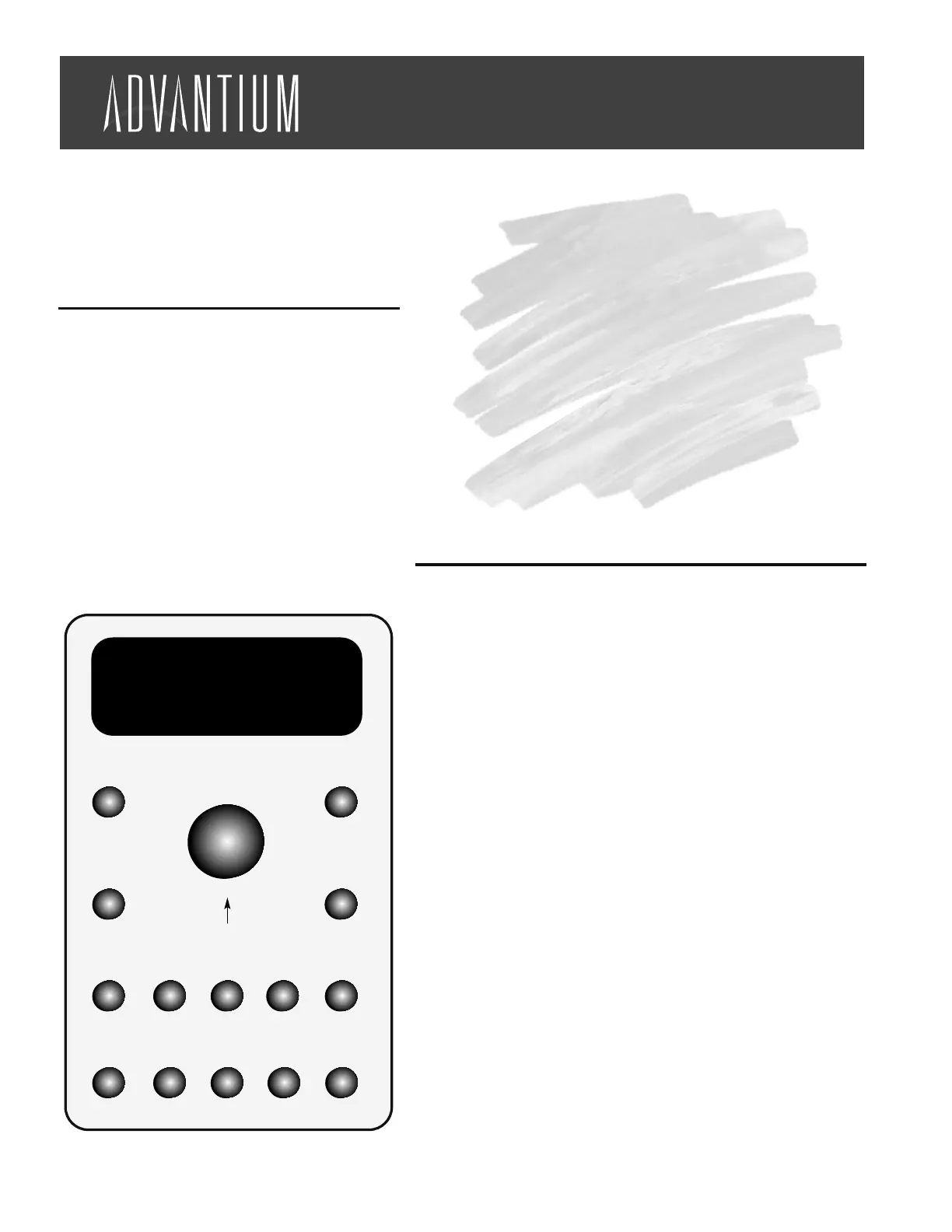
SPEEDCOOK/REPEAT
LAST
Press this button to access the preset
speedcook program. Press and hold for
three seconds to repeat the last cooking
selection.
MANUAL COOK/RECIPE
Press this button to set your own speed-
cook program.
SELECTOR DIAL - TURN
TO SELECT, PRESS TO
ENTER
First turn, then press the dial to make
food selections. Also use this to
increase (turn clockwise) or decrease
(turn counterclockwise) the cooking time.
START/PAUSE
Press this button to start or pause any
cooking selection.
CLEAR/OFF
Press this button to cancel ALL oven pro-
grams except the clock, timer and
reminder.
POWER LEVEL
Press this button and use with the selec-
tor dial to change the speedcook upper
lamps, lower lamp and microwave power
level before and during cooking.
DELAY START
Press this button to set the oven to start
automatically at a time you set.
TIMER
Press this button to set the minute timer.
MICROWAVE/OVEN LIGHT
Press this button to operate the
microwave. Press while microwave cook-
ing to light the oven cavity. The light will
come on for several seconds.
MICRO EXPRESS
Press repeatedly for 30 second incre-
ments of microwave cooking time. Oven
starts immediately.
VENT FAN
Press this button to remove steam and
other vapors from surface cooking.
REMINDER
Can be used like an alarm clock and can
be used at any time, even when the oven
is operating. It can be set to beep at a
certain time, up to 24 hours later.
OPTIONS
Press this button to set the Clock and
access the Auto Night Light, Beeper
Volume, Clock Display ON/OFF, Display
Scroll Speed features.
HELP
Press this button to find out more about
your oven's features.
SURFACE LIGHT
Press this button to turn the cooktop light
on and off.
Cooking Guide
Quick Start
Table of Contents
Quick Start . . . . . . . . . . . . . . . . . . . . . . . 18
Cooking Controls . . . . . . . . . . . . . . . . . . . 18
Speedcook Preset Menu Guide . . . . . . . . 19
Food Placement. . . . . . . . . . . . . . . . . . . . 20
General Cooking Tips. . . . . . . . . . . . . . . . 20
Adjusting Power Levels . . . . . . . . . . . . . . 20
Recipe Adapting . . . . . . . . . . . . . . . . . . . 21
Cooking Controls
YOUR FOOD IS READY
YOUR FOOD IS READY
Turn To Select
Speedcook
Manual Cook
Recipe
Power Level
Vent Fan Reminder Options Help Surface Light
Micro Express
Clear
Start
Pause
Off
Microwave
Oven Light
TimerDelay Start
Press To Enter
Selector Dial
TM
This Cooking Guide is a quick reference for
cooking the foods you always enjoy - only faster.
With these tips, you can easily take advantage of
Advantium's flexibility in cooking to your taste,
so food comes out just the way you want it.
STEP 1 Press the SPEEDCOOK button
STEP 2 Turn the dial to select the type of food you
want. Press the dial to enter it.
STEP 3 Turn the dial to select the specific food. Press
the dial to enter it.
STEP 4 Turn the dial to select the amount, size and/or
doneness (if required, the oven will prompt
you). Press the dial after each selection.
STEP 5 Once the display shows "ADJUST TIME OR
START," either press the dial or start button
to start cooking.
NOTE: For first time oven use, clock must be set prior to oven
operation




 To Next Page