July 2003
10 PT878 Quick Start Guide
Programming Transducer, Pipe and Fluid
Parameters
In order for the PT878 to begin taking measurements, you must
enter the transducer, pipe and fluid parameters. Once these
parameters are entered, you may save them so that you can edit
them at a later time.
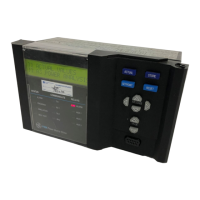
To enter the Program Menu, press the
[MENU] key at the lower
right of the PT878 keypad. Press the [
X] arrow key once to
scroll from the Site Menu to the Program Menu. At the Program
Menu, press
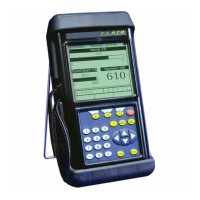
[ENTER]. The screen appears similar to Figure 4
below.
Figure 4: The PROGRAM Menu
Vel
ocity, ft/s
Signal, dB
0.00
32
Delta
-T, ns
0.10
0.0
Volume, l/s
E0: No Errors
Pipe
Lining
Path
Fluid
Energy
Inputs
Analog Output
Digital Output
User Functions
Site Program Meter Logging Service
Transducer
Co
Correction Factors




 To Next Page