PT878 Quick Start Guide 15
July 2003
Saving Site Data
Now that you have entered all the necessary data, the PT878 will
give you the opportunity to save it into a site file using the
following steps:
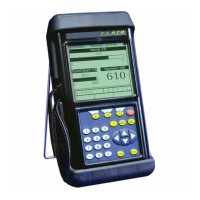
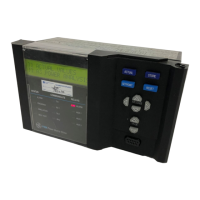
1. To open the Site Menu, press the
[MENU] key at the lower
right of the PT878 keypad. Then press
[ENTER]. The screen
appears similar to Figure 5 below.
Figure 5: The Site Menu
1. Press the [T] key to reach the “Save Now” option, and press
[ENTER].
2. A window appears, asking if you want to save the current site
(DEFAULT. SIT).
• Press [F2] (No) to cancel saving the site, or
• Press [F3] (Yes) to save the site.
The PT878 returns to displaying measurements. If you want to
save the site under another name, or create a new site, refer to
Chapter 4, Creating and Managing Sites, in the User’s Manual.
Meter Logging Service
Velocity, ft/s
0.00
32
Delta-T, ns
0.10
0.0
Volume, l/s
E0: No Errors
Signal, dB
Save Now
1 View
2 Views
3 Views
4 Views
Drive Manager
FKeys
4
Manager
Site Program




 To Next Page