July 2003
18 PT878 Quick Start Guide
Changing the Measured Parameters (cont.)
3. Press the [X] twice to highlight the Measurement option, and
press
[ENTER].
4. A drop-down menu entry, Change, appears. Press
[ENTER]
again.
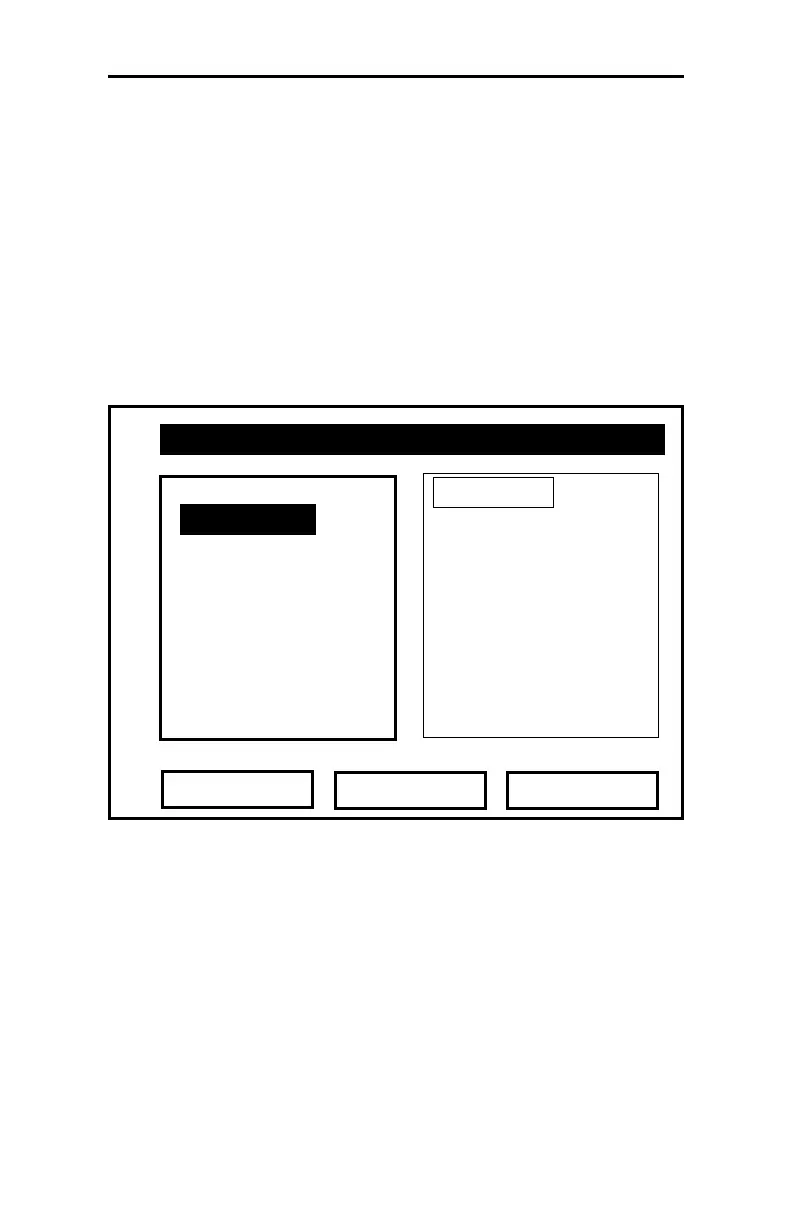
Another window opens, shown in Figure 7 below; the left column
displays the measurement data sources, while the right column
displays English and metric measurement units (or, with the
Diagnostics source shown, a list of diagnostics parameters).
Figure 7: Measurement Selection Window
5. Use the [
T] and [S] arrow keys to reach the desired data
source, and press
[SEL].
6. Then use the [
T] or [S] arrow keys to select the desired
measurement unit (or diagnostic parameter). Press
[F3], OK,
to confirm the entry.
The screen returns to Operate Mode, and displays any changes.
Select Measurement
Cancell OK
Diagnostics
Rev Totalizer
Volume
No Unit
Velocity
Fwd Totalizer
Fwd Energy
Meters/sec
Feet/sec
Temperature
Power
Rev Energy




 To Next Page