Troubleshooting TipsOperating InstructionsSafety Instructions Installation Instructions
3
www.GEAppliances.com
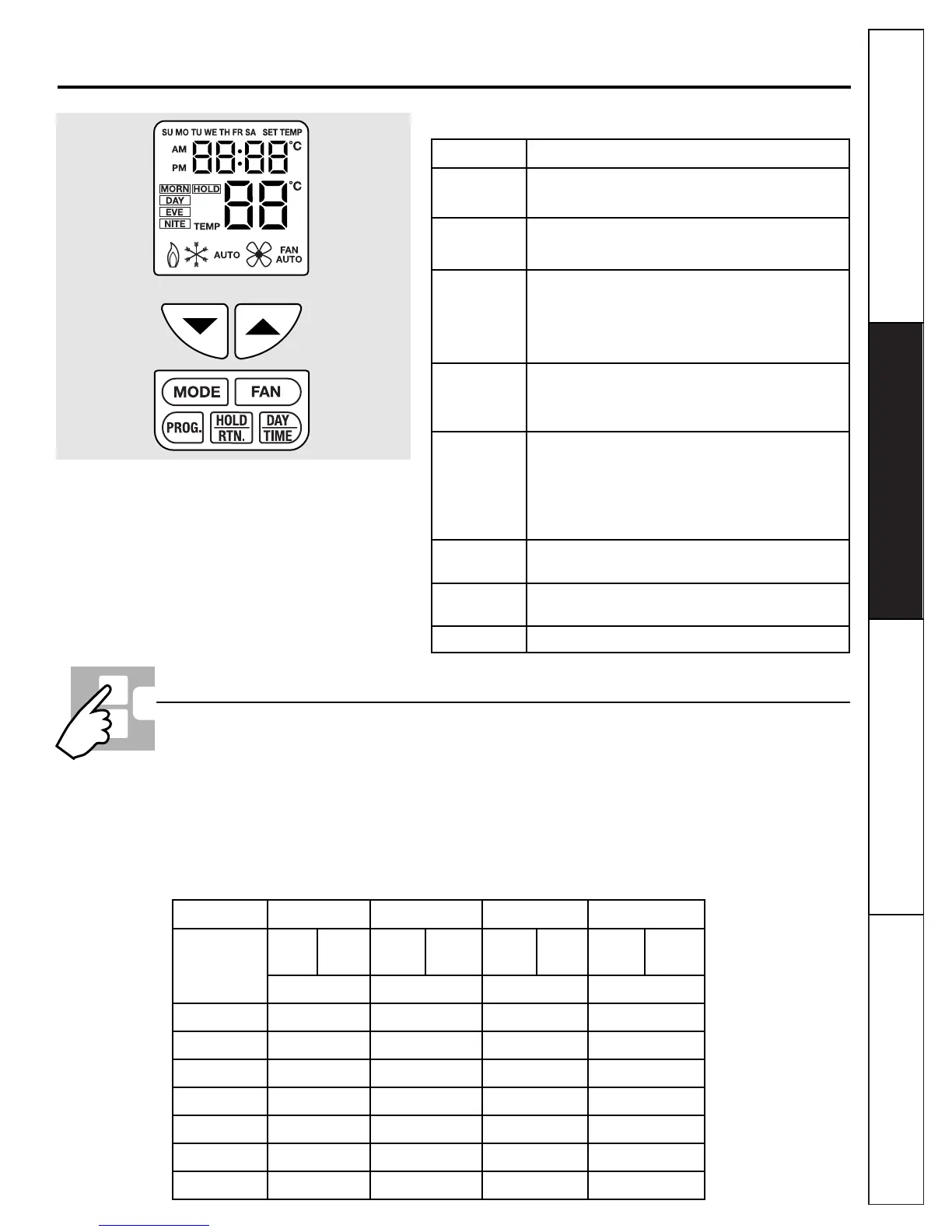
KEY FUNCTION
▲ • Increases data (time, temperature, etc.).
• Press with ▼ to enter span setting mode.
▼ • Decreases data (time, temperature, etc.).
• Press with ▲ to enter span setting mode.
HOLD/RETURN • Enters hold.
• Terminates hold or temporary override.
• Returns from Day/Time or Program setting modes to
Normal mode.
DAY/TIME • Enters day and time setting mode.
• Advances through setting of day of week, hour and
minutes.
PROGRAM • Enters program setting mode.
• Advances through setting of program day, time and
temperature.
• Changes time display format when in day and time
setting mode.
SYSTEM MODE Selects the system mode of the thermostat from AUTO,
HEAT, OFF and COOL.
FAN MODE Selects the operation mode of the FAN between
AUTO & ON.
RESET Hardware resets signal to reset the thermostat.
Keyboard Functions
Initial Power Up
■ The thermostat will reset after power up or if the
reset button is pressed.
■ During reset, all LCD segments and the LCD
backlight will be turned on. After one second
and when all keys are released, the thermostat
will start. At the same time, the memory and I/O
ports of the MCU will be set to their default
values.
■ After initial power up or reset, both the weekday
and weekend programs are initialized as shown
in the following table.
Program MORN DAY EVE NITE
Program
HEAT COOL HEAT COOL HEAT COOL HEAT COOL
Setpoint
68°F 78°F 65°F 80°F 68°F 78°F 66°F 78°F
(TIME) (TIME) (TIME) (TIME)
Monday
6 a.m. 8 a.m. 5 p.m. 11 p.m.
Tuesday
6 a.m. 8 a.m. 5 p.m. 11 p.m.
Wednesday
6 a.m. 8 a.m. 5 p.m. 11 p.m.
Thursday
6 a.m. 8 a.m. 5 p.m. 11 p.m.
Friday
6 a.m. 8 a.m. 5 p.m. 11 p.m.
Saturday
6 a.m. 8 a.m. 5 p.m. 11 p.m.
Sunday
6 a.m. 8 a.m. 5 p.m. 11 p.m.
Default Program
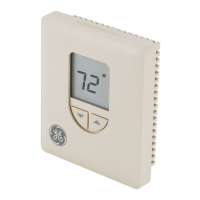
Figure 2: Display and Keyboard


 To Next Page