Stopping a Timer Recording
To stop or cancel a timer recording in progress (even an express
recording):
• Press and hold the STOP button on the remote
(STOP,EJECT on the VCR) for a few seconds.
Reviewing and Clearing Programs
To review programs that you have already set up:
1. Press MENU to display the VCR MAIN MENU.
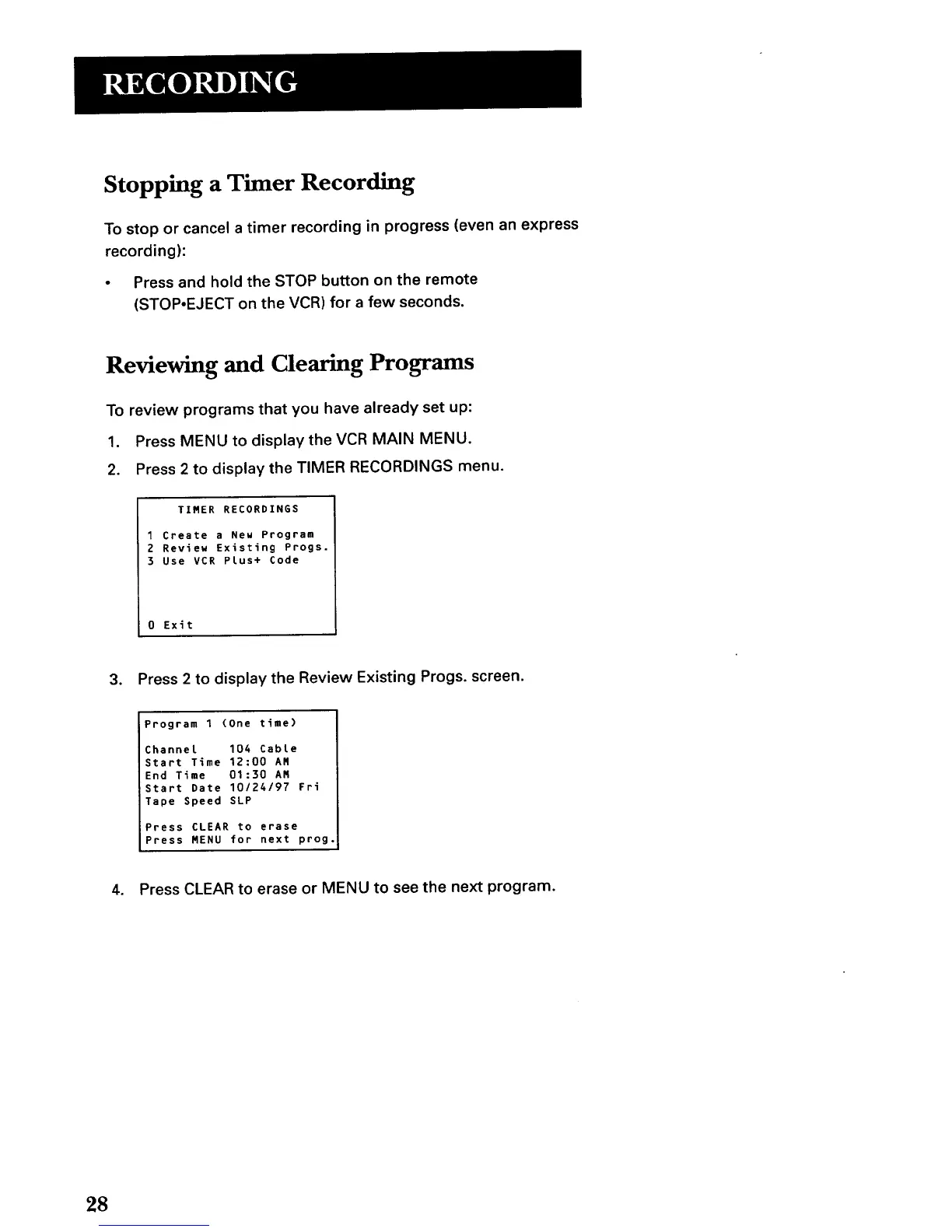
2. Press 2 to display the TIMER RECORDINGS menu.
TIBER RECORDINGS
1 Create a New Program
2 Review Existing Progs.
3 Use VCR Plus+ Code
0 Exit
3. Press 2 to display the Review Existing Progs. screen.
Program 1 (One time)
Channel 104 Cable
Start Time 12:00 AM
End Time 01:30 AN
Start Date 10124197 FPi
Tape Speed SLP
Press CLEAR to erase
Press MENU for next prog.
4. Press CLEAR to erase or MENU to see the next program.
28



 To Next Page