20 21
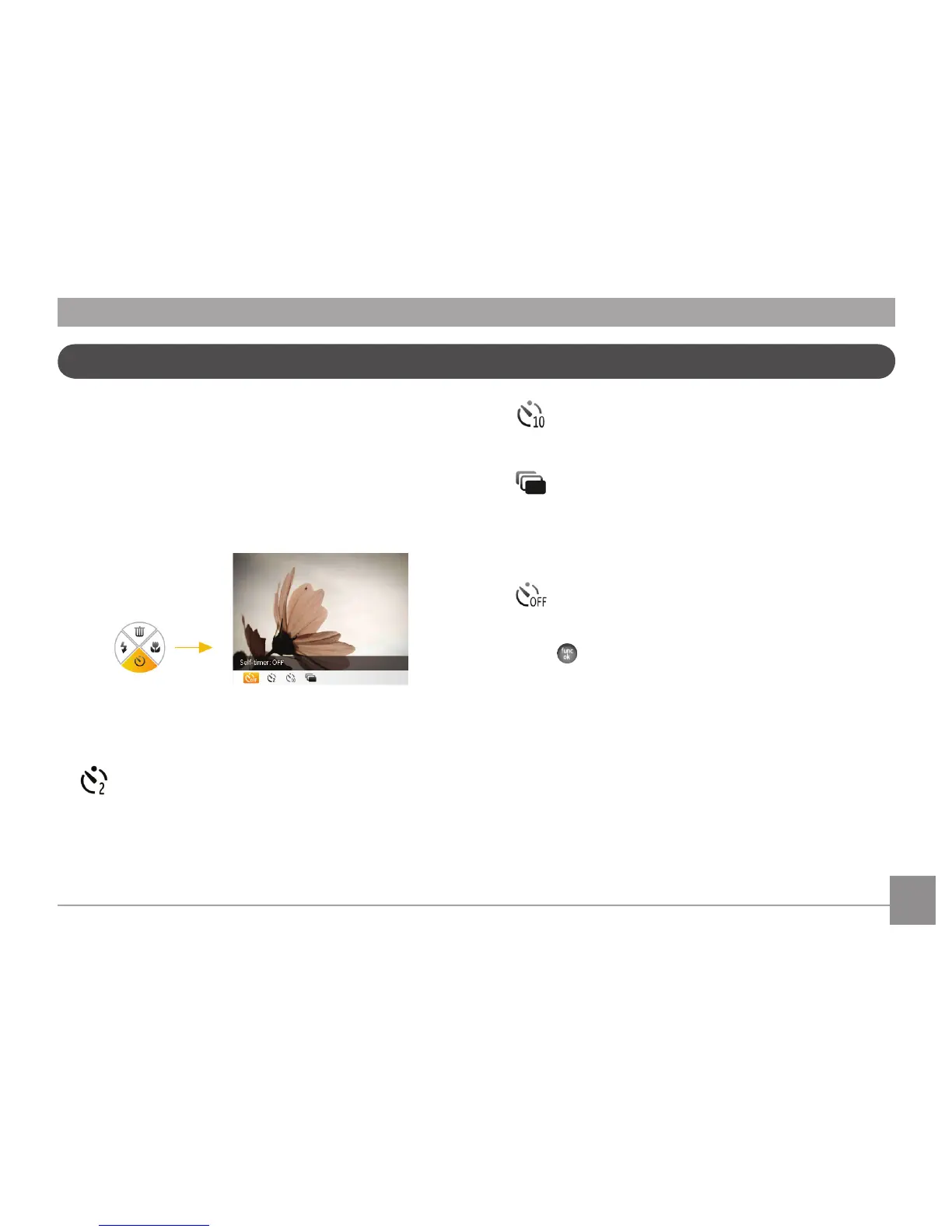
Self-timer/Continuous Shoot
This setting can enable you to set the timer for automatic
pictures after pressing the shutter button. You have the
option of 2 seconds or 10 seconds after pressing the shutter
button.
1. Press Down button to enter the Self-timer menu.
2. Press Left/Right button to select the following four modes:
• 2-second Timer
A single picture is shot 2 seconds after the Shutter
button is pressed.
• 10-second Timer
A single picture is shot 10 seconds after the Shutter
button is pressed.
• Continuous Shot
Pictures are shot continuously when the Shutter
button is pressed down based on the Continuous
Shot settings in the menu. (See “Continuous Shot” on
page 49).
• Self-timer O
Disable the self-timer.
3. Press
button to conrm the settings and exit the menu.



 To Next Page