61
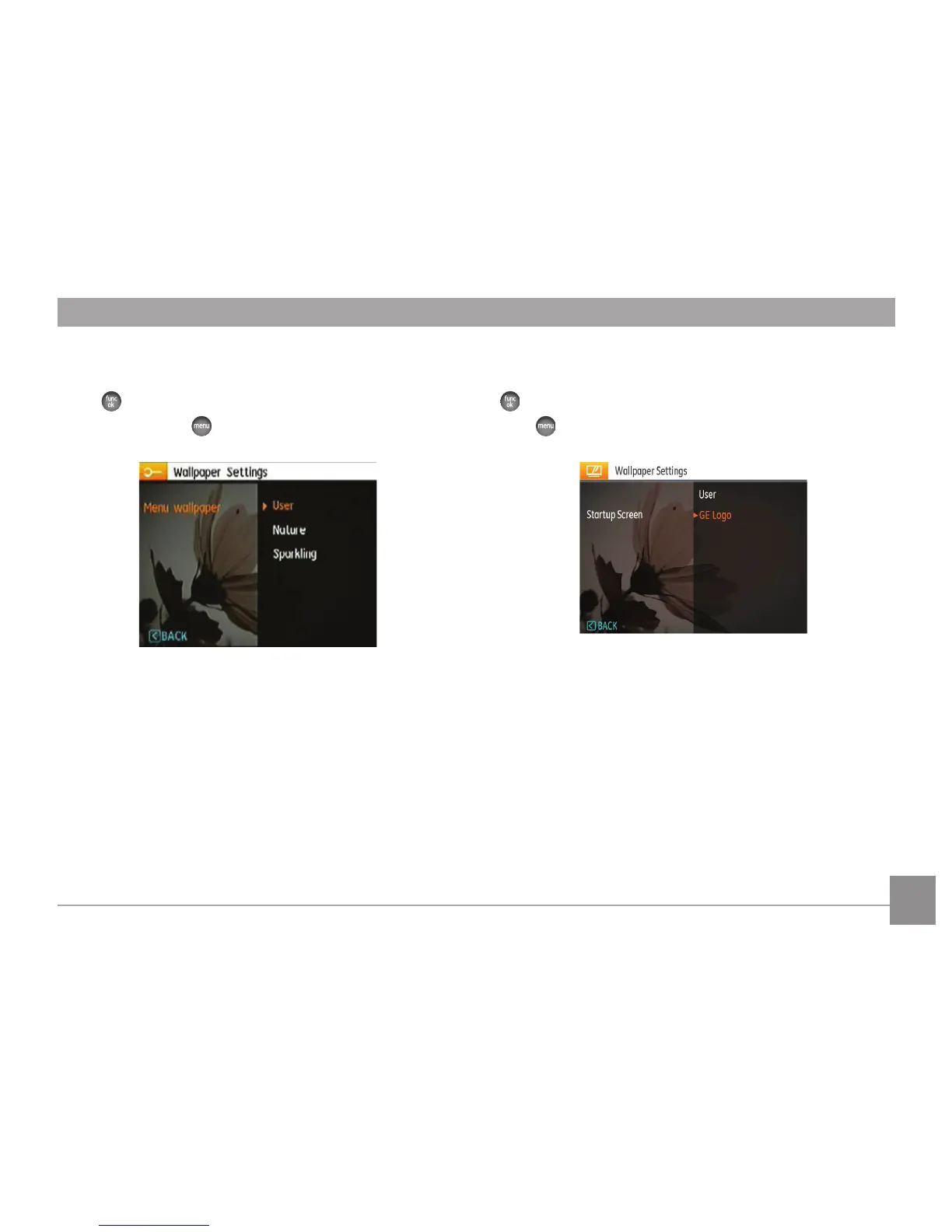
Menu Wallpaper:
Use Up/Down button to select the Menu Wallpaper option,
press button to conrm or press Left button to return to
last page, and press to exit the menu.
• User
• Nature
• Sparkling
Startup Screen:
Use Up/Down button to select the Startup Screen option, press
to conrm or press Left button to return to last page, and
press to exit the menu.
• User
• GE Logo



 To Next Page