Instructions for cleaning
NOTICE
Make sure that the probe connector on the probe cable is protected
from cleaning liquids.
ActionStep
Set the protective covers on the connection ports:1
•
USB port
•
Ethernet ports
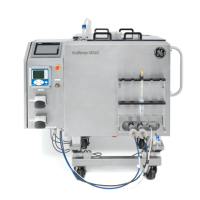
Use a non-abrasive cloth with mild detergent and water to clean the exterior
of the mixer vessel and the I/O Cabinet.
2
Check all stainless steel components for signs of surface rust. If rust is found,
do as follows:
3
1
Scrub areas of surface rust with an extra-fine mildly abrasive cleaning
pad.
2
Wipe the treated areas with a surface passivation chemical.
3
Wipe the treated areas with a cloth soaked in Water For Injection (WFI)
to remove the chemical.
258 Xcellerex XDM 50-1000, XDUO 100-1000 mixers Operating Instructions 29251615 AD
8 Maintenance
8.5 Cleaning



 To Next Page