10 - DIALLING STORED NUMBERS
- Lift the handset or press or and await the
dial tone.
- Press appropriate button M1, M2, ..., or M8 or
one of the 3 priority P1, P2, P3 numbers, the stored
number will be dialled automatically.To register your
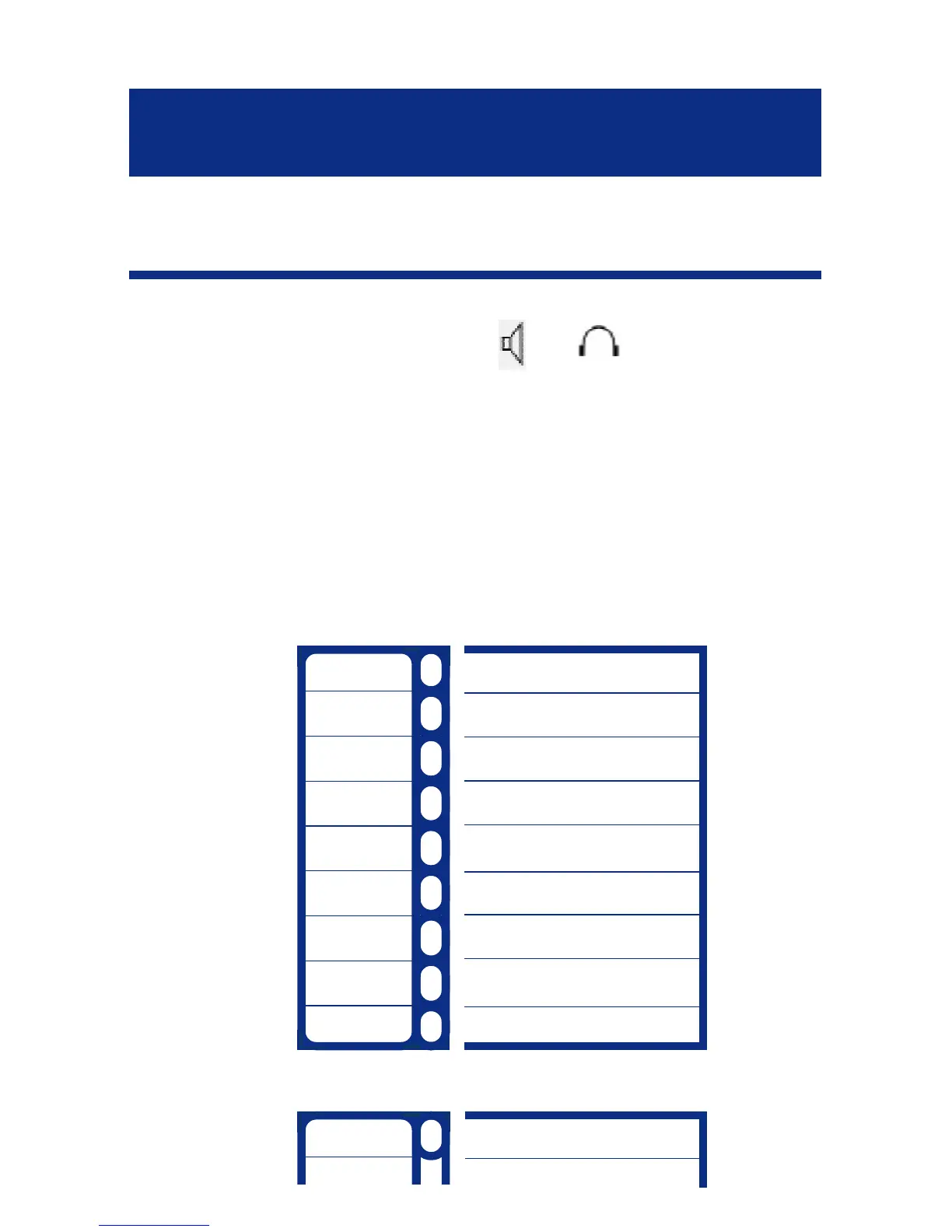
stored phone numbers,use the index card located
under the base.Use this table below to prepare the
phone book.
Example :
1
2
3
4
5
6
7
8
9
1
Pierre 01 64 57 .. ..
USING THE PHONE
28



 To Next Page