Note : You can review the incoming call list during
a call by pressing the OK key, then use the &
keys to move through the phone book list.
1 - USE THE INCOMING CALL LIST
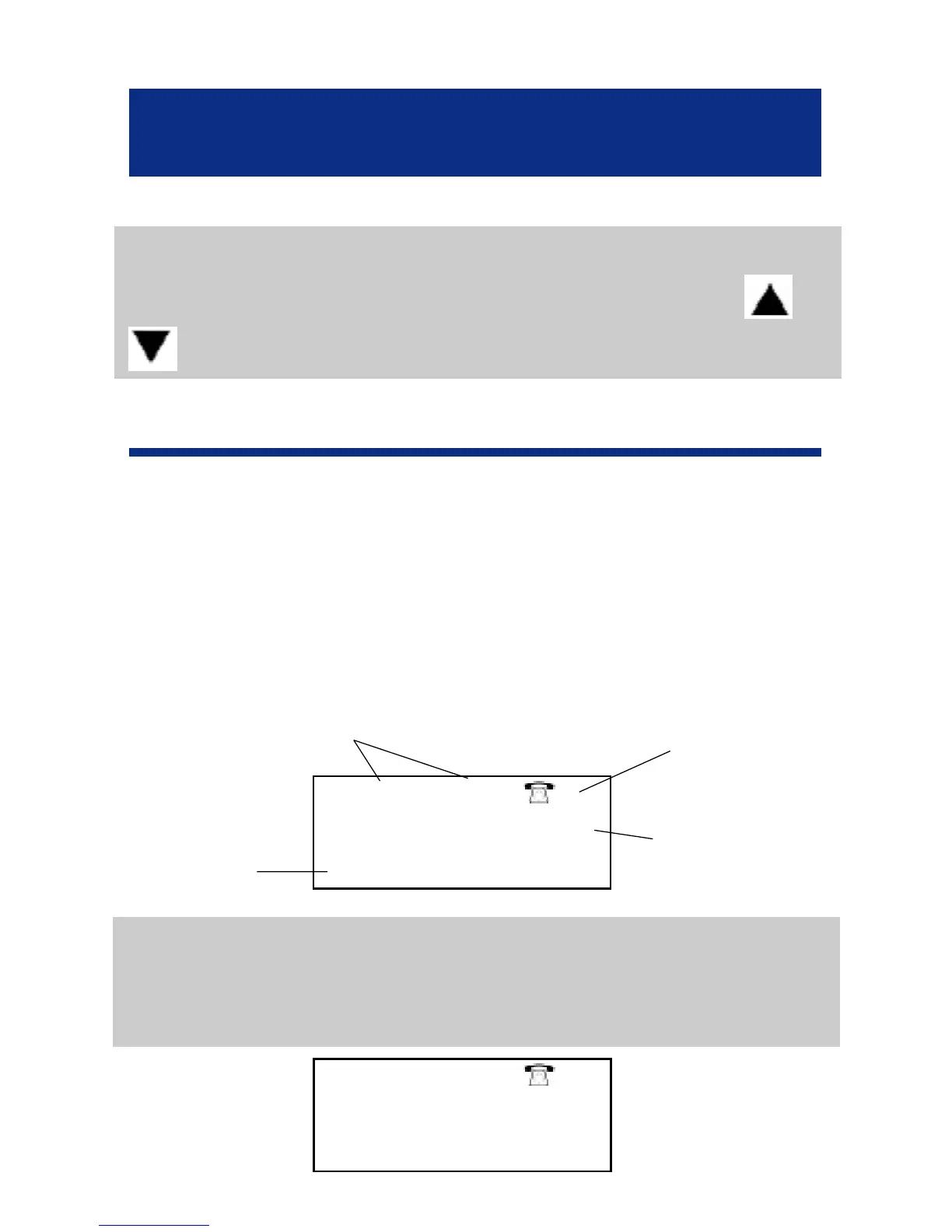
Associated with the CID feature, the call list allows
you to store the incoming calls. When the call list
memory is full, a new call will take the place of the
oldest call. Each call is stored as an entry with the
date, the hour and in arrival order.
Note : If the caller does not wish to show his phone
number or his name, the screen will display
PRIVATE.
39
CID FEATURES
9:52 9-09 3
PRIV ATE
9:52 9-09 2
123456123456
JAMES
Call hour and
date
Call number
(arrival order)
Caller number
Caller name



 To Next Page