2 - LCD SCREEN
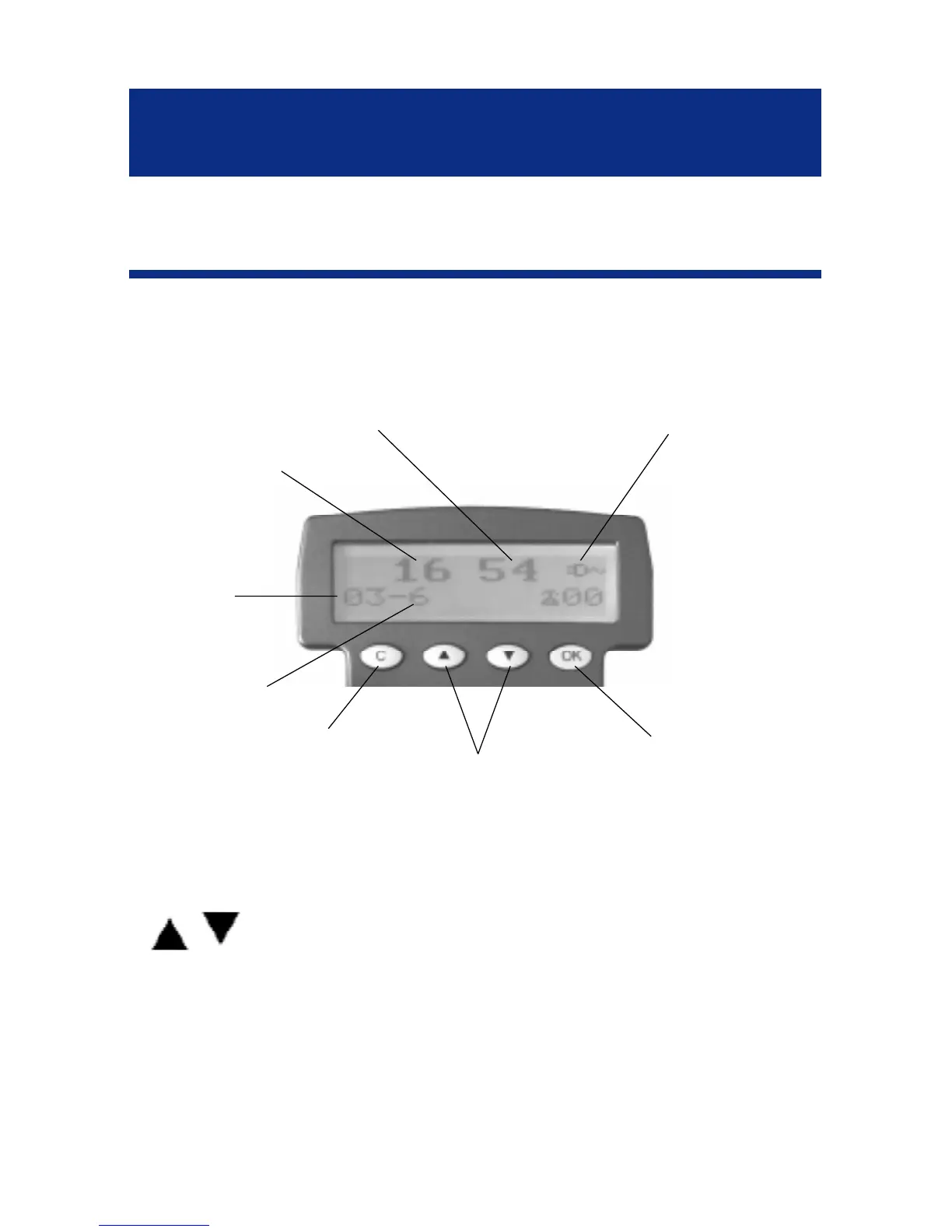
Screen example (On hook position)
- OK key is used to confirm action or a choice
on the screen.
-
keys are used to scroll through the menu.
- In general, the C key is used to cancel an action/
entry, it can also be used to confirm a choice (for
example to cancel a stored number).
DESCRIPTION
7
Hours
Minutes
Day
Month
Power network icon
Cancel key
Up/down keys
Validation key



 To Next Page