1.?-"'<
1
2ABCabc2EO
3DEFdef3
4GHIghi4
5JKLjkl5
6MNOmno6OO
7 PQRSpqrs7
8TUVtuv8U
9WXYZwxyz9
00+&@/$%
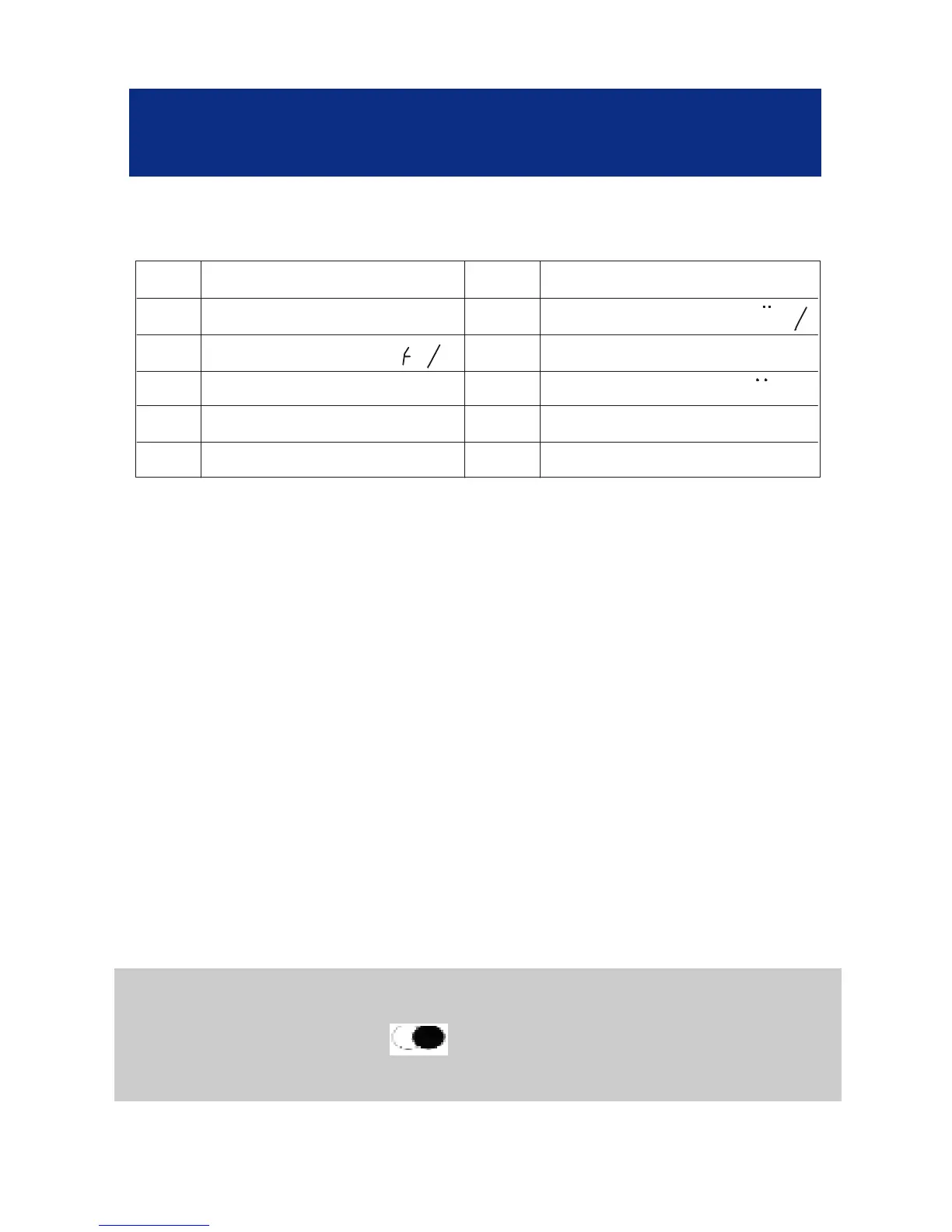
Key Characters Key Characters
- To insert a «space», press on the OK key twice.
- If the next letter is the same as the previous letter
(or located on the same key), press first on the OK
key to move and select the desired letter.
- Use the C key to delete a wrong letter.
- When the number is correct, press the OK key
for 3 seconds to confirm the Number and Name
storage.
- Now you can create a new entry.
- Press the C key to exit.
Note : If you wish to insert a pause in the stored
number, press the key whilst entering (a P will
be displayed on the screen).
PHONE BOOK
35



 To Next Page