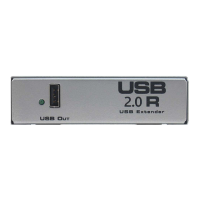
Power Indicator is not lit.
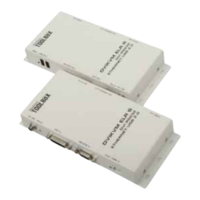
-- Make certain the power supply unit is properly con nect ed to the USB 2.0 R Extender
unit and to a proper local power sup ply outlet.
Link Indicators are Green.
-- Make certain that the host computer is operating and responding to commands. If re-
quired, reset the com put er.
Problem Not Resolved
-- Disconnect power (DC Adaptor) plug from wall outlet that feeds power to the
USB 2.0 R Extender unit.
-- Disconnect the USB 2.0 S Extender USB connection from the computer.
-- Reconnect power (DC Adaptor) from the USB 2.0 R Extender unit to the wall outlet.
-- Reconnect the USB 2.0 S Extender USB connection to the computer.
TROUBLESHOOTING HINTS
9



 To Next Page