USB 2.0 EXTENDER SERIES INSTALLATION
3
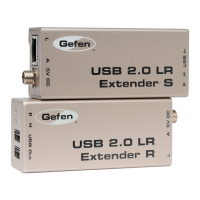
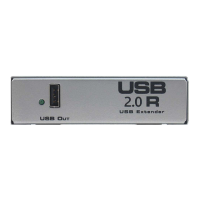
1. Place the USB 2.0 R Extender unit close to the USB devices at the re mote end.
2. Connect the USB devices to the USB 2.0 R Extender unit.
3. Connect the power adapter to a suitable AC source wall outlet.
4. Connect the power adapter to the USB 2.0 R Extender unit using the supplied cable.
5. Place the USB 2.0 S Extender unit close to the host computer.
6. Connect the USB 2.0 S Extender unit to the USB 2.0 R Extender unit using the de-
sired length of CAT5 cable
7. Connect the USB 2.0 S Extender unit to the host computer using the USB cable sup-
plied with the unit. This connection should be made last.



 To Next Page