Chapter 3 - Setup 37
© 2017 Geist
GM1157
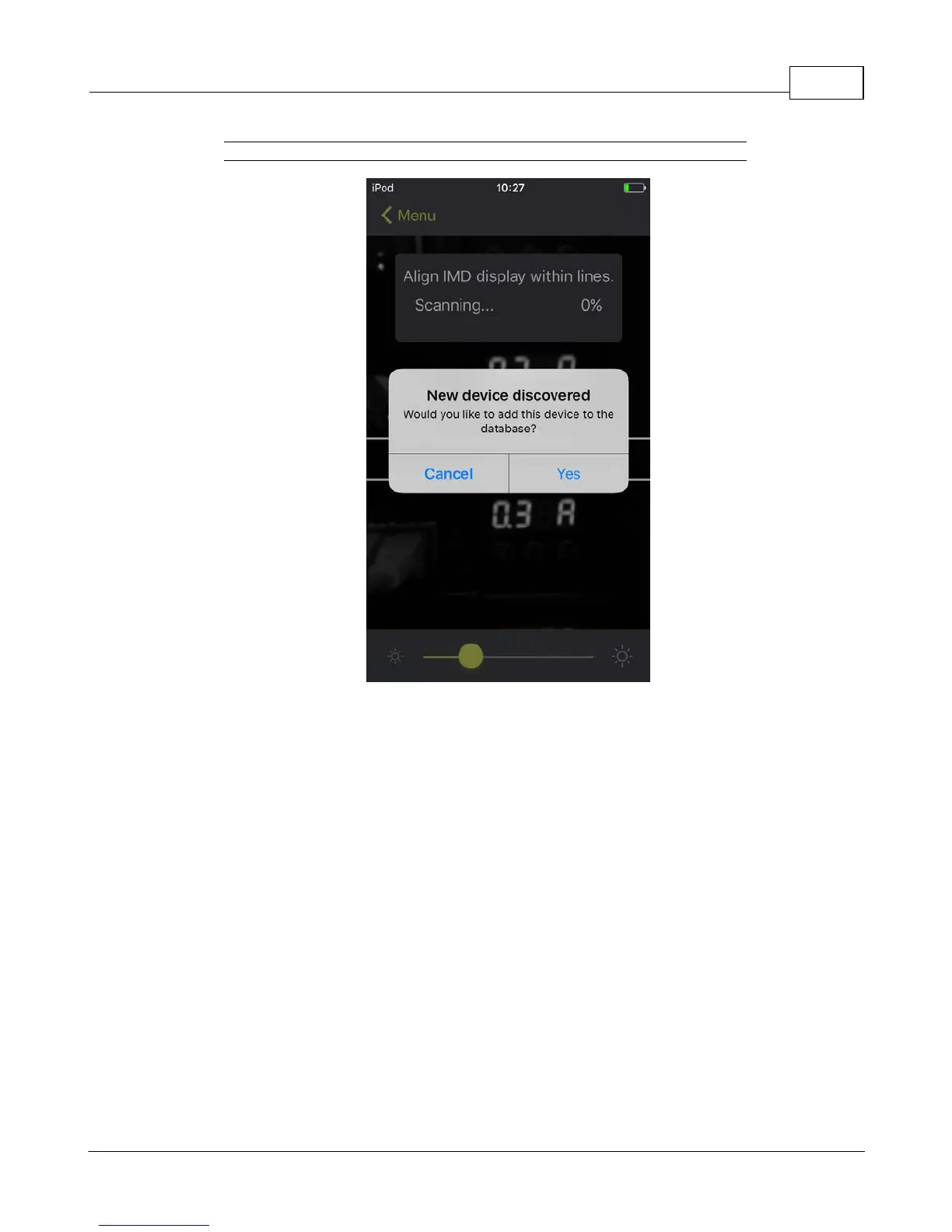
Figure 3-5 Mobile App New Device Screen
Scanning tips:
The VLC feature relies upon light for its communication. If the lighting around the display or the lighting
going through the lens of the smart device is not optimal then the OCR (Optical Character Recognition)
will struggle to capture the data. When looking at the smart device screen during capture, you can see
if the characters of the LED display are in focus and bright, if they are blurred, with a surrounding glow
or are faint then the VLC capture will fail to work quickly and may be unable to scan at all.



 To Next Page