Chapter 3 - Setup 57
© 2017 Geist
GM1157
System
Users
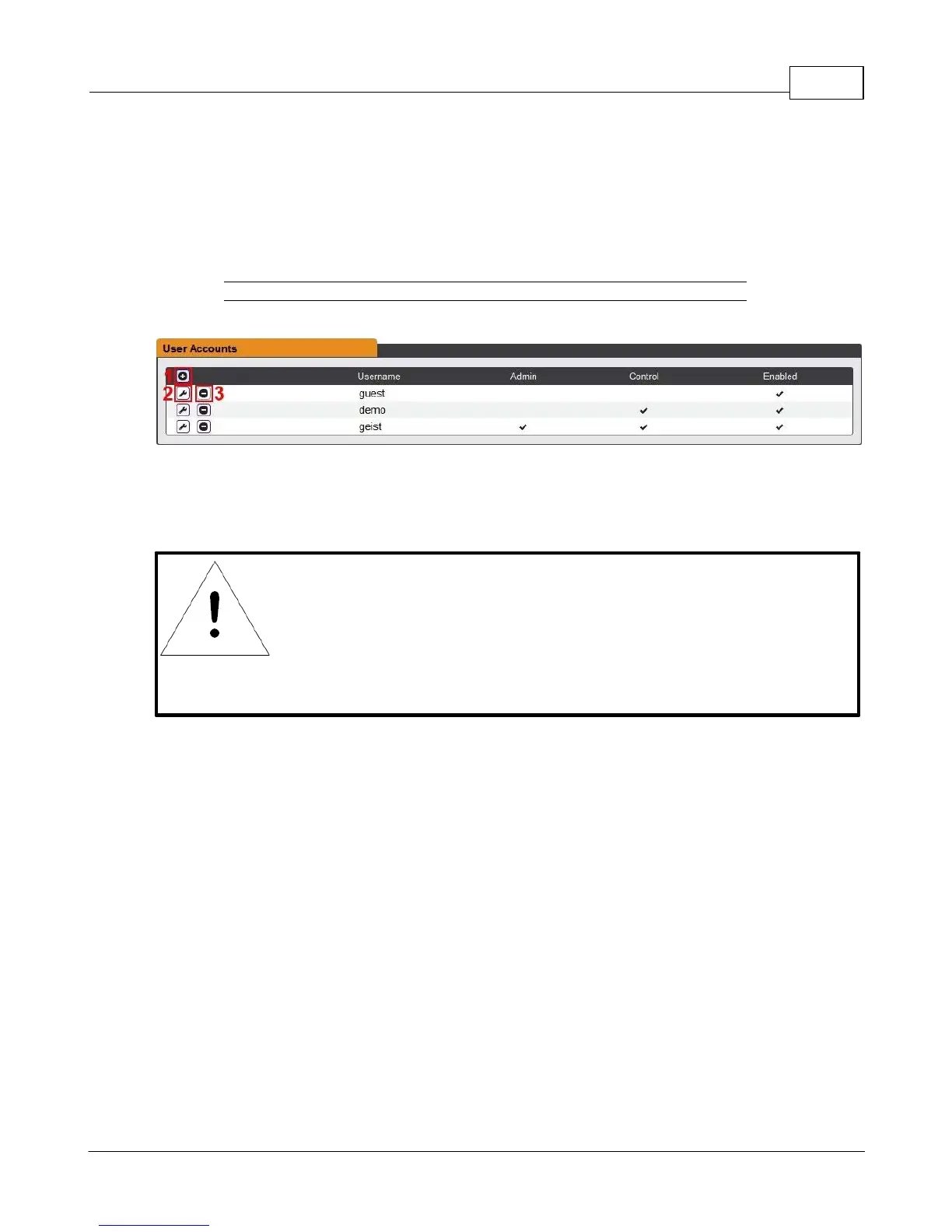
The Users page in the System menu allows you to manage or restrict access to the unit's features by
creating accounts for different users.
Figure 3-25 User Account Page
There are three buttons available on the User Accounts page:
1. Add New User Account
2. Modify User's Account
3. Delete User's Account
NOTE
Only an Administrator-level account can Add, Modify, or Delete users.
Control-level and View-Only accounts can change their own passwords
via the Modify button, but cannot Add or Delete accounts, or Modify
other accounts. The Guest account cannot Add, Delete, or Modify any
account, not even itself.



 To Next Page